ExpressVPN Review 2026

The premium, high-speed VPN for flawless streaming and privacy.

Last updated Mar 25, 2026

ExpressVPN: The Verdict

Overall Rating: 4.7 out of 5

🎯 Best For: Users who want a top-tier, highly reliable VPN that "just works" for everything from streaming to privacy, and are willing to pay a premium for quality.

🚀 Performance: Exceptional. Consistently one of the fastest and most reliable VPNs for both local and long-distance connections, making it ideal for buffer-free HD streaming.

🔒 Privacy: Top-tier and transparent. It has a strict no-logs policy verified by multiple independent audits and is based in the privacy-friendly British Virgin Islands.

⚠️ Key Drawback: The price, which is at the higher end of the pricing scale compared to other top VPNs.

⬅️No need to search for coupons. This link unlocks the best offer automatically.

We may earn a commission if you buy through our links - at no extra cost to you. Here’s how it works.

ExpressVPN Pros and Cons

Pros

  • Outstanding speeds worldwide with Lightway technology
  • Works reliably with Netflix, Disney+, Prime Video, and more
  • Independently audited for privacy (no-logs policy)
  • Simple, clean apps for all devices
  • Connect 10-14 devices at once depending on plan
  • 24/7 live chat support that's fast and friendly

Cons

  • Slightly more expensive than others
  • Doesn’t include advanced features some power users might want
Stay safe wherever you go online
⬅️No need to search for coupons. This link unlocks the best offer automatically.

Full Review

What is ExpressVPN?

ExpressVPN is a premium VPN service based in the British Virgin Islands, widely regarded as one of the industry leaders in speed, privacy, and ease of use.

It is designed to provide a reliable, high-performance experience for users who want top-tier security for streaming, browsing, and everyday protection across all their devices.

Speed & Performance

Speed & Performance: 4.7 out of 5

ExpressVPN delivered excellent performance in testing, with strong and consistent speeds across all locations.

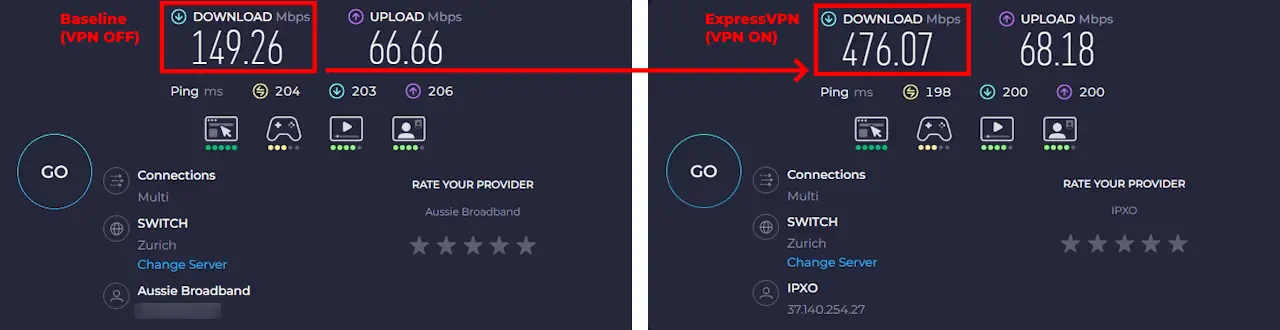
The clearest insight came from EGST, where the exact same Speedtest server is tested before and after enabling the VPN.

In 4 of 6 international locations, ExpressVPN was faster than the normal ISP connection:

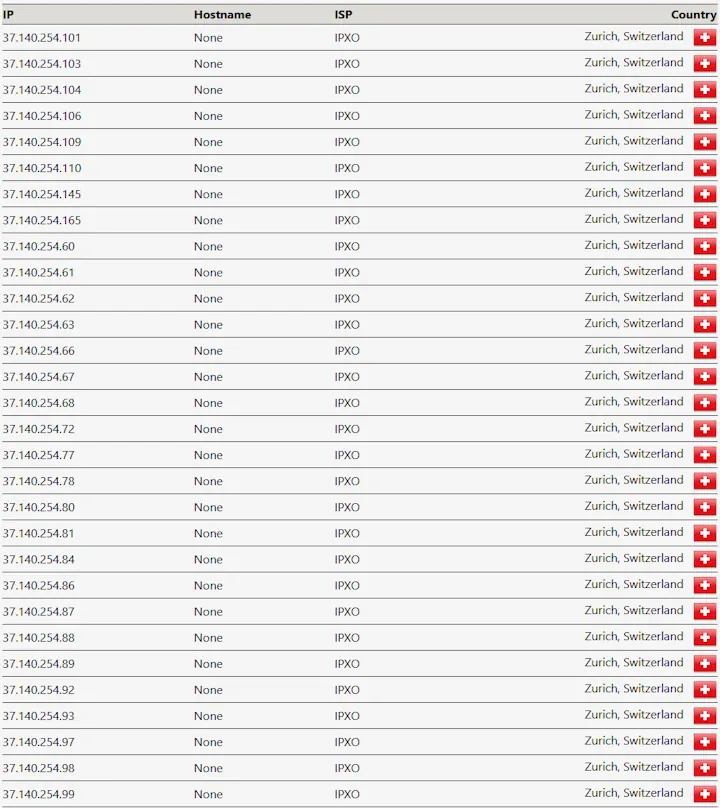
  • Switzerland: +319%
  • USA: +188%
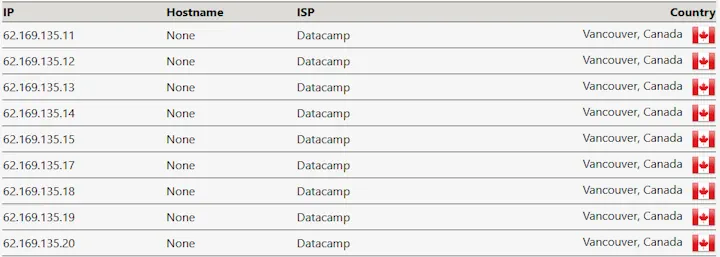
  • Canada: +122%
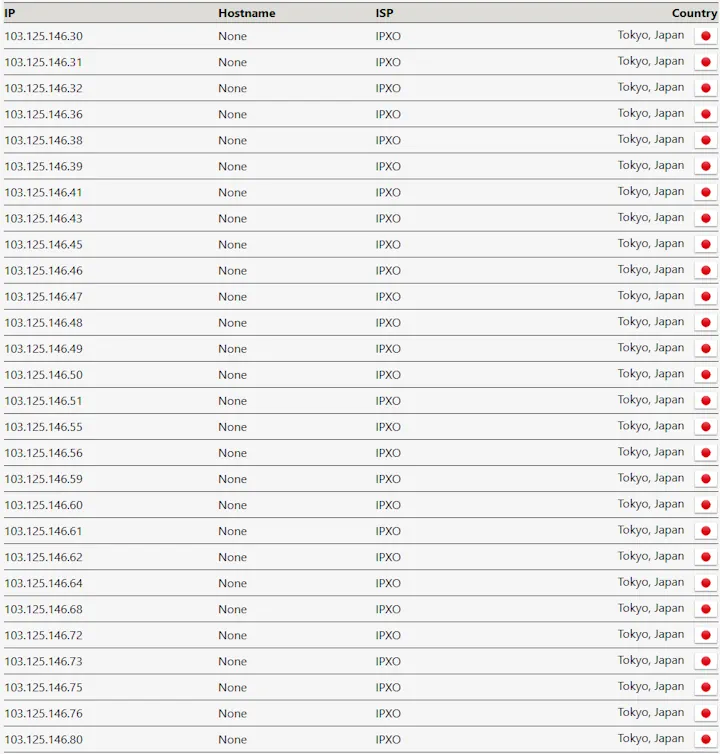
  • Japan: +109%

Performance remained strong even in the remaining locations, with speeds staying close to baseline levels.

This can happen when a VPN routes traffic more efficiently than an ISP on long-distance or congested routes. ExpressVPN stood out for delivering consistently reliable performance across all locations tested.

1. The Baseline (VPN OFF):
Measures the direct connection speed to the selected Speedtest server.

2. The Test (VPN ON):
The test is repeated on the exact same Speedtest server with Proton VPN enabled.

Switzerland stood out clearly, with download speeds increasing from 149 Mbps to 476 Mbps - more than triple the baseline performance.

The United States, Canada, and Japan also exceeded baseline speeds, while other locations remained close to baseline levels.

Performance was highly consistent overall, with the lowest result retaining 77% of baseline speed.

EGST™ (Enfinnit Global Stress Test) Methodology

EGST Speed Testing is designed to measure how a VPN performs in real-world conditions.

That’s why EGST is built on three principles:

1. Real-World Environment Testing is conducted on a dedicated 1 Gbps residential fibre connection in Perth, Australia - one of the most geographically isolated major cities in the world. This creates a demanding real-world stress environment for international routing.

2. Peak-Time Stress Testing Testing is conducted between 6 PM and 10 PM, during peak residential traffic hours. This provides a realistic measure of performance under congestion.

3. Consistent Benchmarking

  • Apples-to-Apples Comparison: For every country tested, a non-VPN baseline is recorded immediately before testing with the VPN enabled, using the exact same Speedtest server.
  • Fixed Test Locations: Each country uses a predefined Speedtest server so all VPNs are measured against the same endpoints.
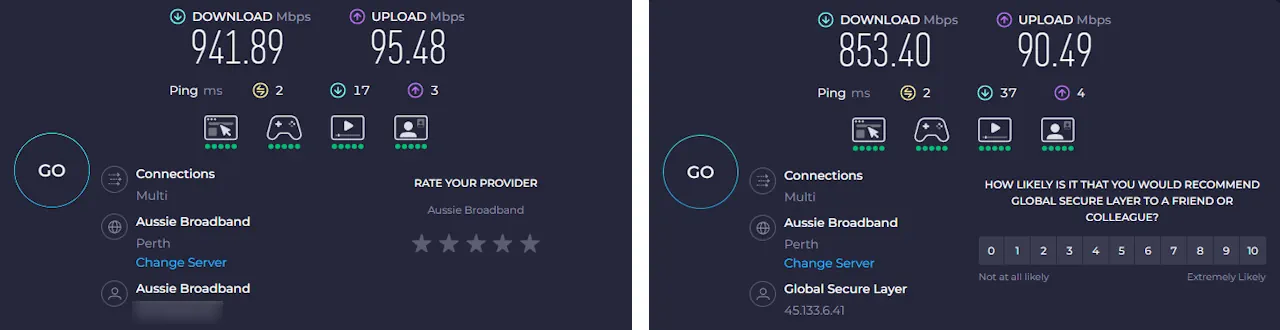
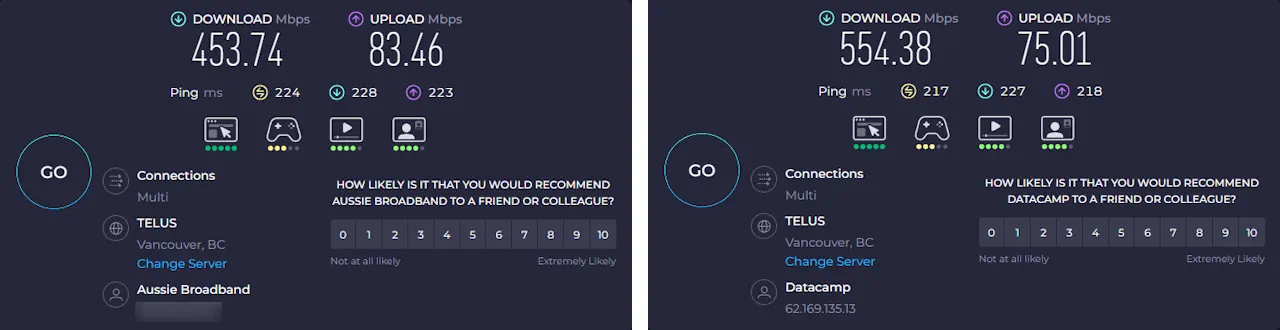
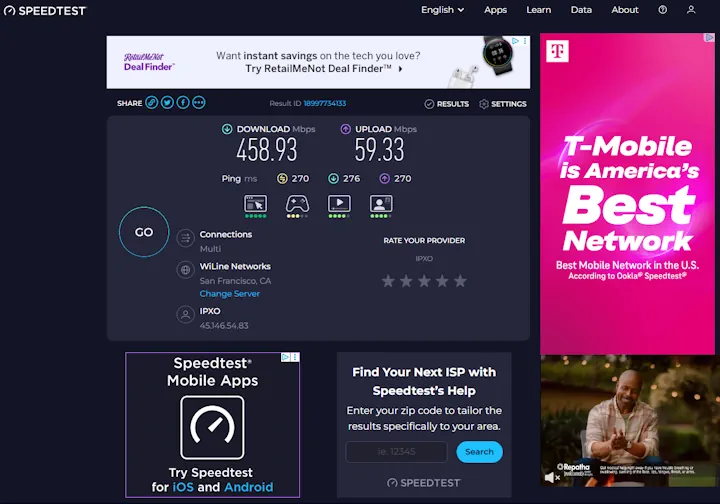
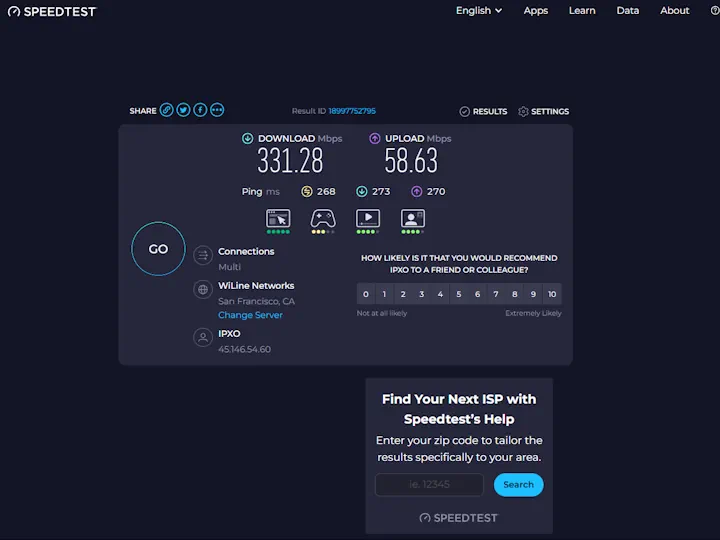
  • Repeated Median Testing: Multiple consecutive tests are performed at each location, and the median result is recorded to reduce the impact of temporary congestion spikes or outliers. The screenshot shown represents that median run.

Your exact speeds will vary depending on where you live, but the percentage of baseline provides a clear and fair comparison across VPNs.

This structured process is applied consistently across every review.
You can read the full breakdown on my How I Test VPNs page.

Speed & Performance – EGST™ Results
Location Test Type Download
(Mbps)
Upload
(Mbps)
Ping
(ms)
% of
Baseline
Australia (Local) Baseline 942 95 2 N/A
ExpressVPN 853 90 2 91%
USA (San Francisco) Baseline 200 83 202 N/A
ExpressVPN 377 64 272 188%
UK (London) Baseline 518 63 208 N/A
ExpressVPN 399 59 291 77%
Canada (Vancouver) Baseline 454 83 224 N/A
ExpressVPN 554 75 217 122%
Germany (Frankfurt am Main) Baseline 383 61 279 N/A
ExpressVPN 363 51 360 95%
Switzerland (Zurich) Baseline 149 67 204 N/A
ExpressVPN 476 68 198 319%
Japan (Tokyo) Baseline 589 85 138 N/A
ExpressVPN 641 73 124 109%

The Verdict

ExpressVPN delivered consistently high international performance in EGST testing.

Four of six international routes exceeded baseline speeds, with the remaining locations maintaining between 77% and 95% of baseline performance.

These results demonstrate efficient long-distance routing under peak-time congestion conditions.

Privacy & Security

Privacy & Security: 4.9 out of 5

In hands-on testing, ExpressVPN performed strongly across all privacy and security checks.

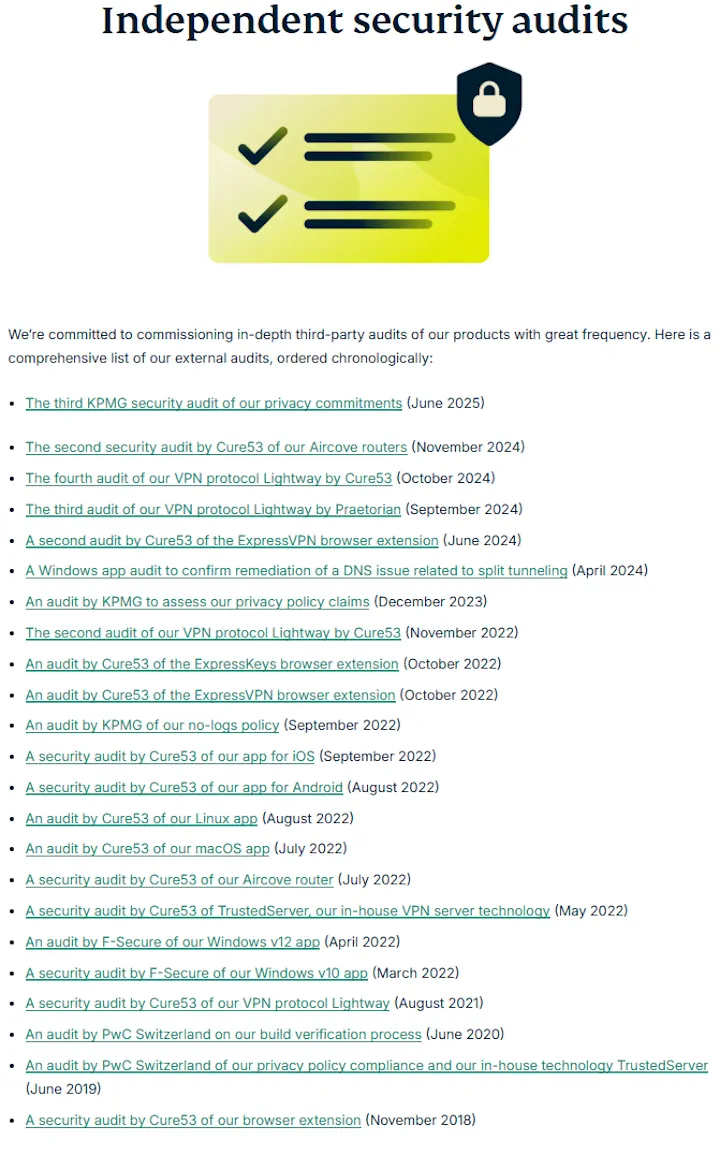
  • No-logs policy: Independently audited through multiple regular audits to confirm ExpressVPN does not track or store your online activity.
  • Strong encryption: Your connection is protected using modern encryption, keeping your data private on any network.
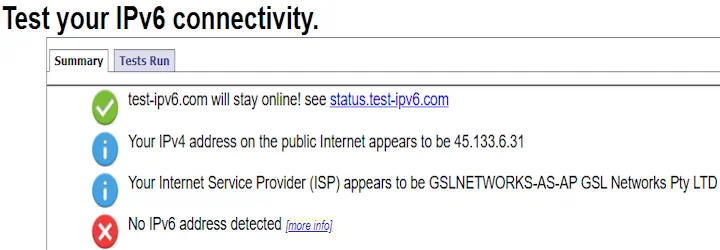
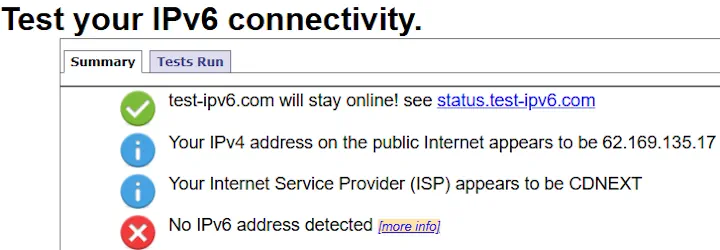
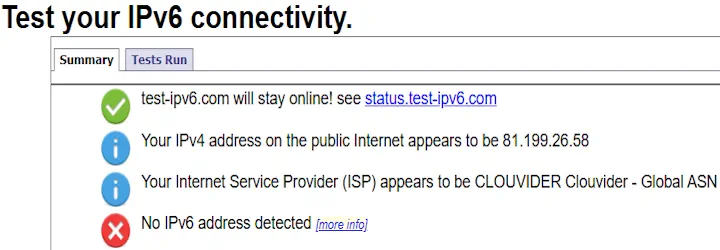
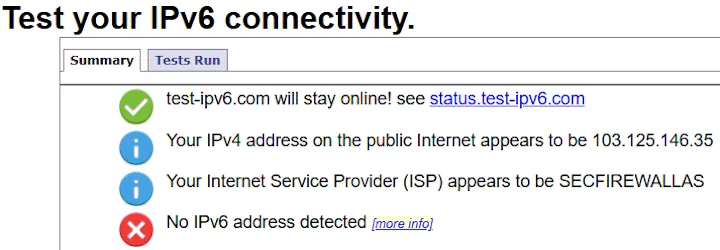
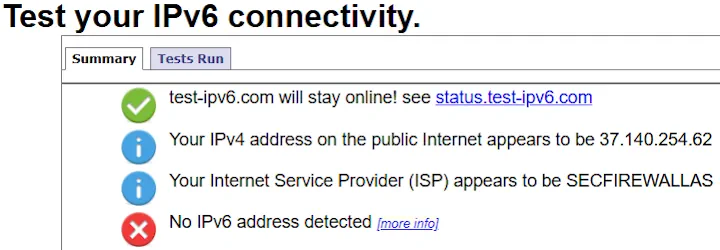
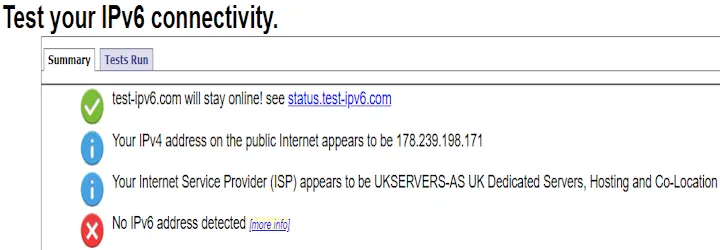
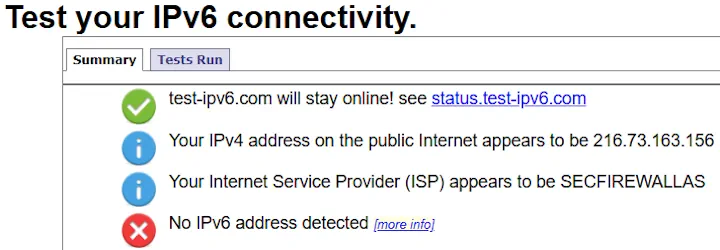
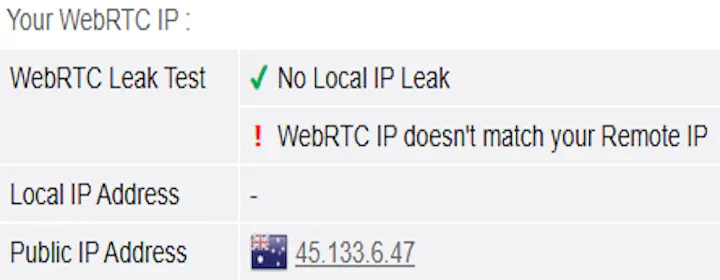
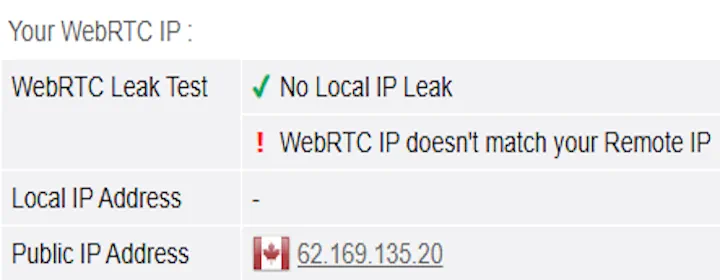
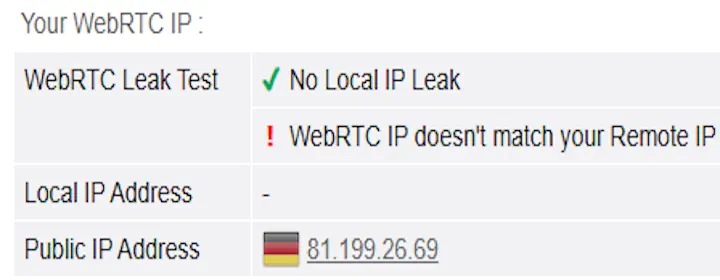
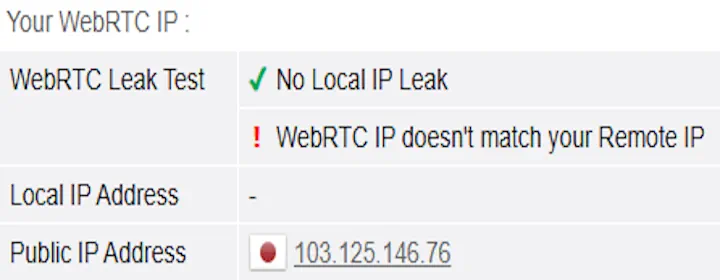
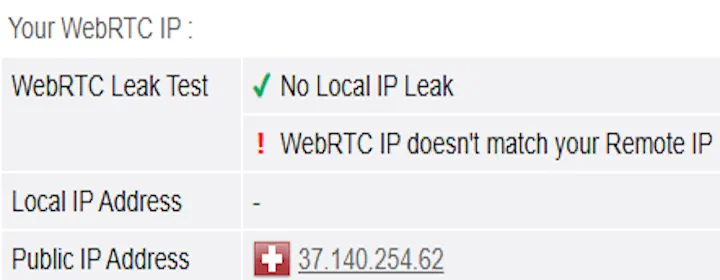
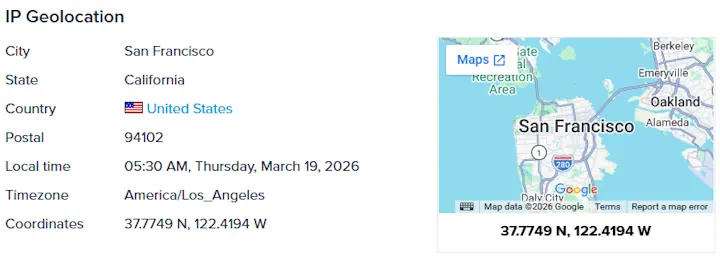
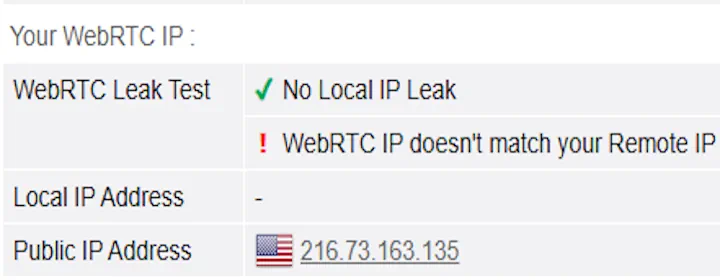
  • Leak protection: Testing confirmed that your real IP address remained hidden at all times.
  • Kill switch: Automatically blocks internet access if the VPN connection drops, preventing accidental exposure.
  • Server security: Uses RAM-only servers, meaning all data is wiped on every reboot.
  • Based in the British Virgin Islands: A privacy-friendly jurisdiction with no mandatory data retention laws.

Testing confirmed that the real IP address remained hidden at all times, with no leaks detected across any scenario.

Overall, ExpressVPN’s core privacy and security mechanisms performed reliably and consistently throughout testing.

These results are based on EGST’s structured privacy and security testing protocol, applied consistently across all VPN reviews.

Each provider is evaluated using the same leak tests, kill switch checks, and policy verification process to ensure fair comparison.

A detailed breakdown of the methodology is available on the How I Test VPNs page.

Privacy & Security – EGST™ Results
Test Suite Type Status Lab Analysis
Leak Protection
(Full Suite)
Claim Full Masking "Prevents IPv4, IPv6, DNS, and WebRTC leaks."
IPv4 Leak ✔ Passed Real IP hidden. Tunneled IP detected.
IPv6 Leak ✔ Passed VPN blocks native IPv6 and all transition tunnels (including Teredo).
DNS Leak ✔ Passed DNS requests matched VPN server location.
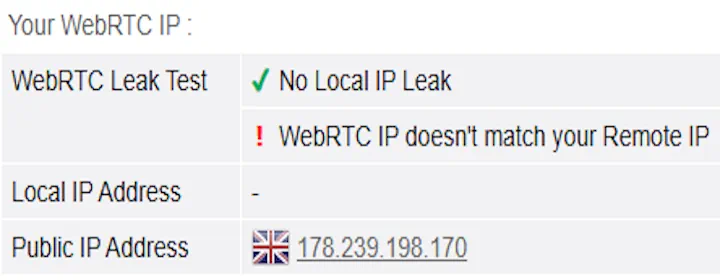
WebRTC ✔ Passed Browser leak test negative. Local IP masked.
Kill Switch Claim – Internet System-wide "Instantly cuts internet if the VPN disconnects."
Internet Test ✔ Passed With the Enable at all times kill switch enabled, all internet traffic was blocked immediately whenever the VPN was not active. Internet access only resumed once the VPN reconnected.
Server Location Claim Physical "Server location matches advertised region."
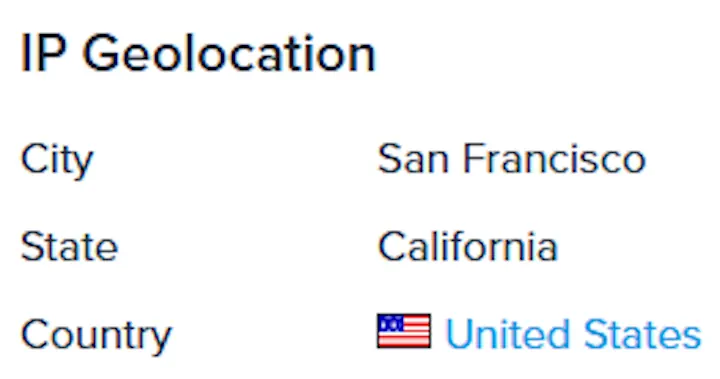
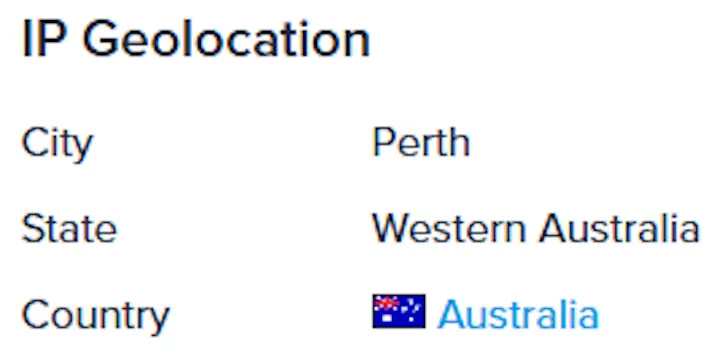
Verification ✔ Verified IP geolocation matched the advertised country in all tests.

No-Logs & Policy Results

This table shows the EGST results for this VPN’s no-logs policy and privacy commitments. Each item is checked against independent audits, official documentation, and transparency reporting where available.

No-Logs & Policy - EGST™ Results
Criteria Type Status Verification Details
Independent No-Logs Audit Claim Stated "Strict no-logs policy."
Verification ✔ Confirmed KPMG (2025) confirmed servers are configured not to log activity or connection data. Controls and automated checks enforce a no-logging state.
Report Transparency Access Available Audit reports accessible via website.
Check ✔ Verified Reports are publicly accessible, with a standard acceptance notice before viewing.
Most Recent Audit Standard < 18 Mo Must be recent to stay relevant.
Last Report ✔ Verified KPMG audit completed in 2025.
Audit Frequency Schedule Regular Ongoing independent audits.
History ✔ Verified Multiple no-logs audits by PwC and KPMG (2019, 2022, 2023, 2025).
Legal Jurisdiction Base British Virgin Islands Jurisdiction data retention obligations.
Legal Check ✔ Verified No mandatory data retention laws.
Server Architecture Tech RAM-Only How data is stored on servers.
Validation ✔ Verified TrustedServer uses RAM-only servers that wipe all data on reboot.
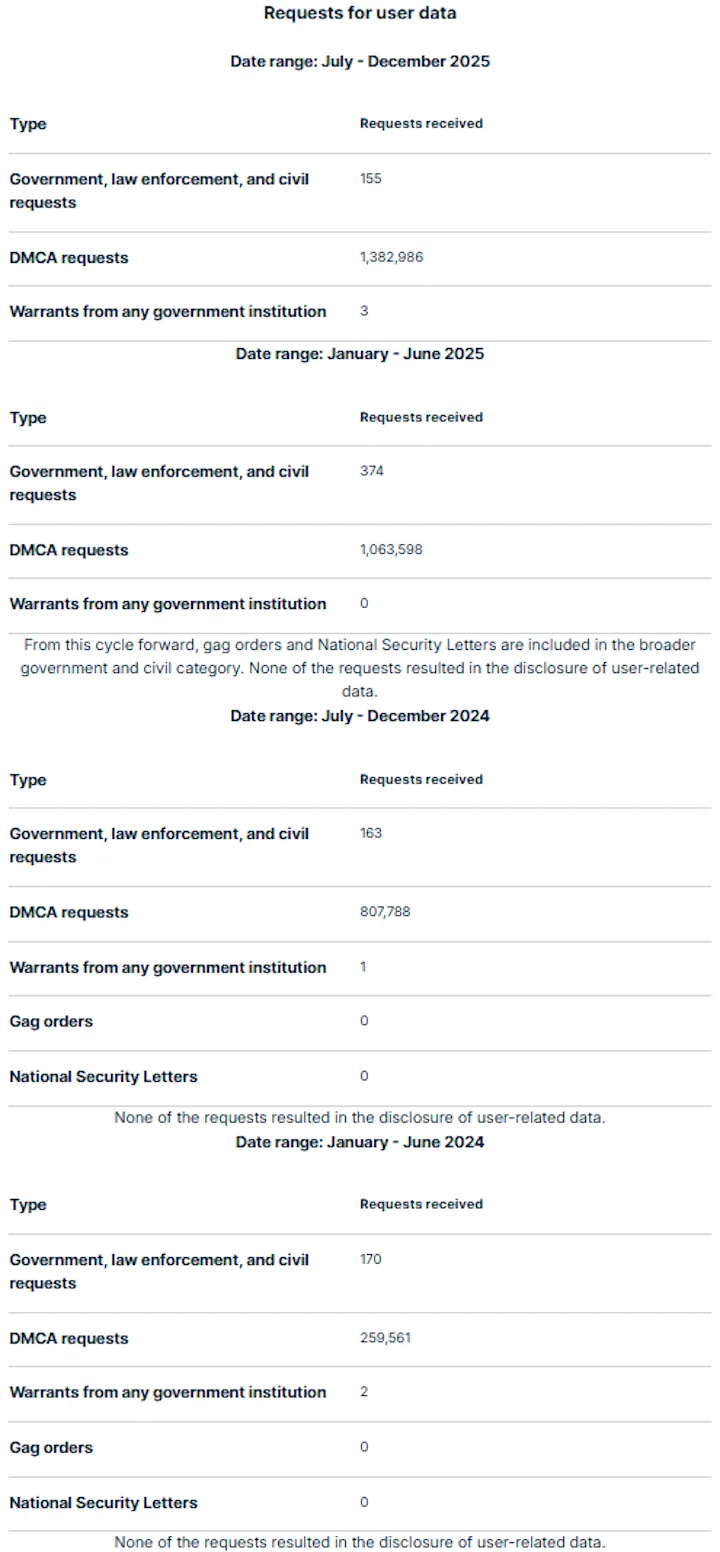
Transparency Reporting Status Disclosure Disclosure of government data requests.
Check ✔ Verified Publishes transparency reports showing request volumes and confirms no user data disclosed.

Stream Shows & Movies

Streaming: 4.8 out of 5

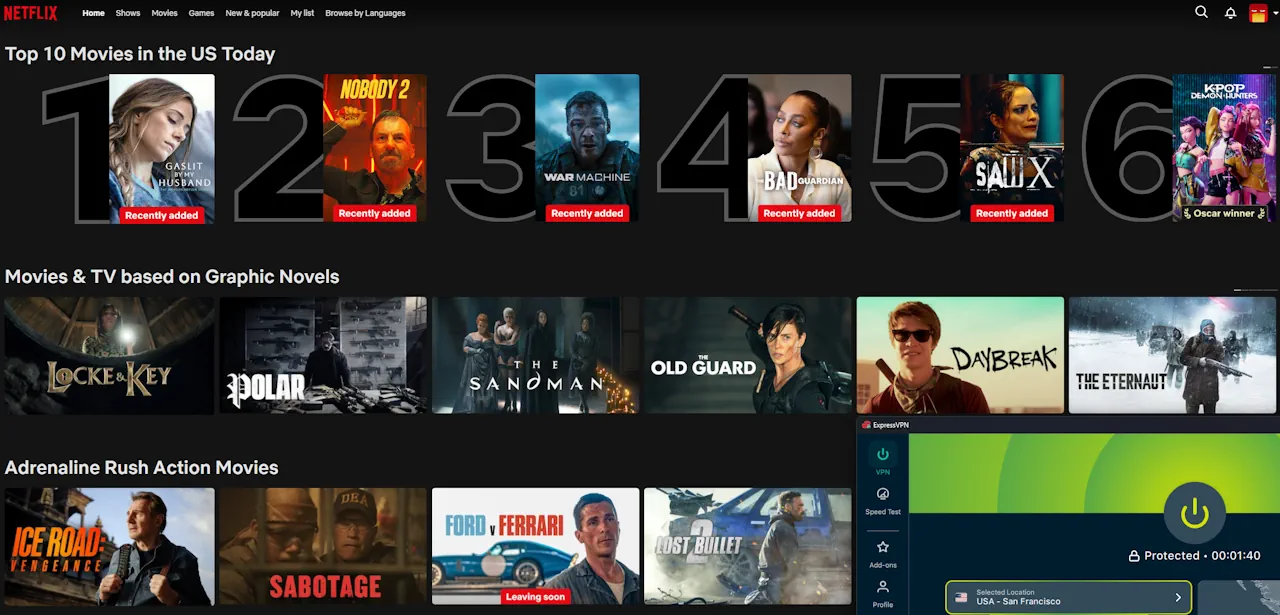
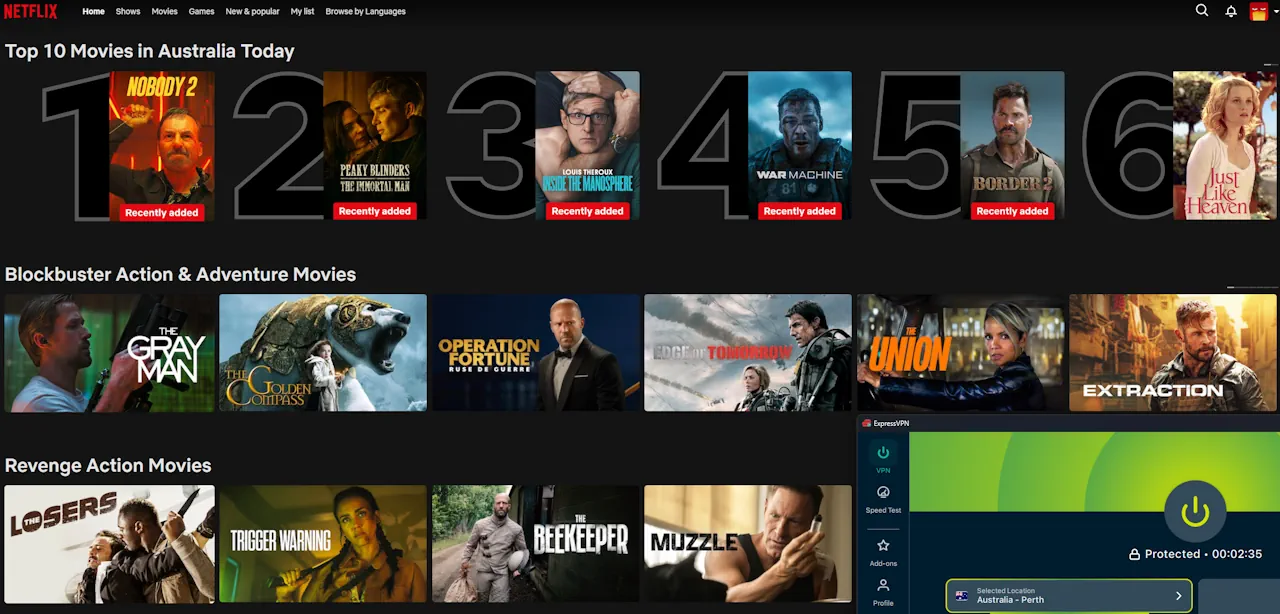
ExpressVPN performed very well during streaming tests. Connections were fast and stable, and videos started playing quickly across multiple regions.

During testing, ExpressVPN successfully accessed:

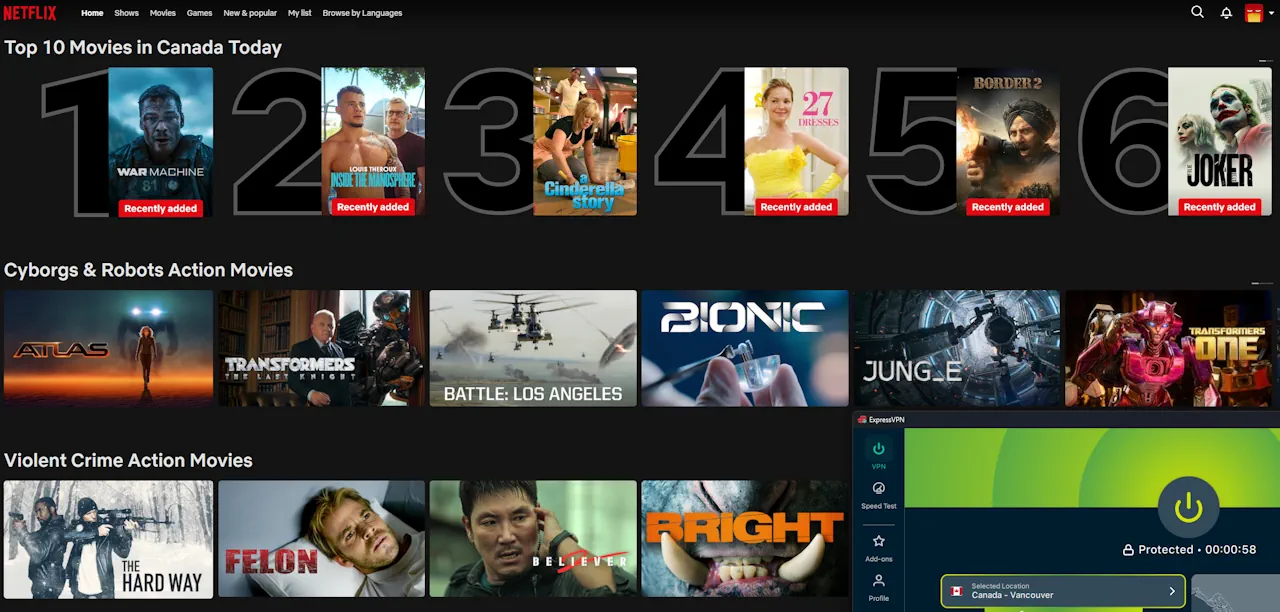
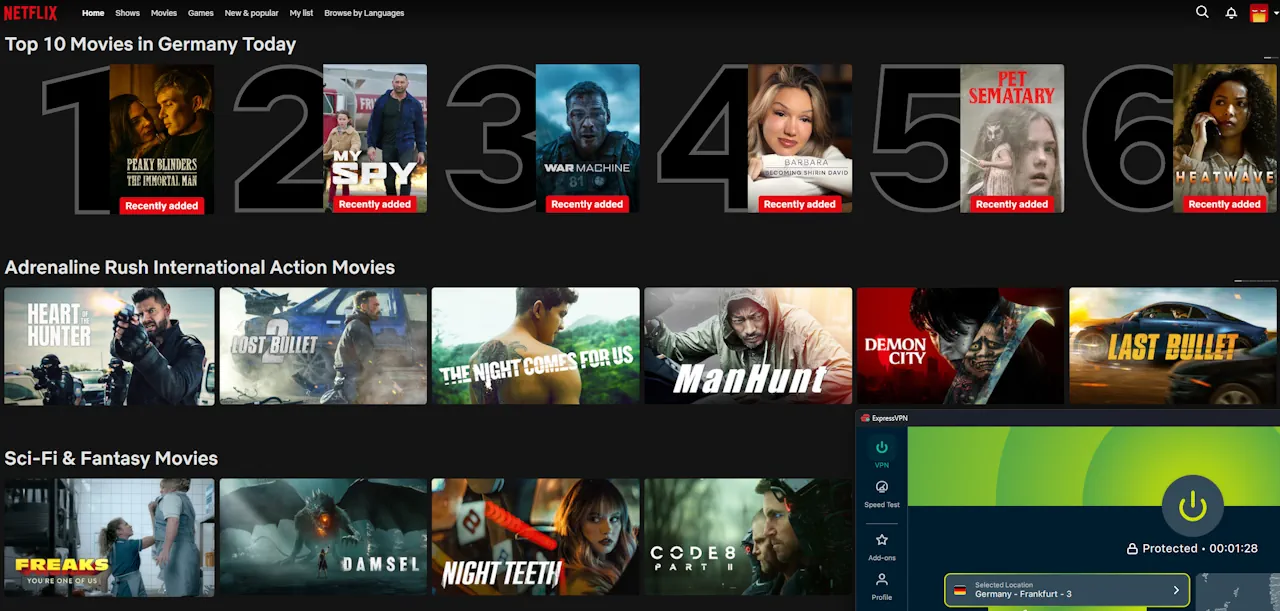
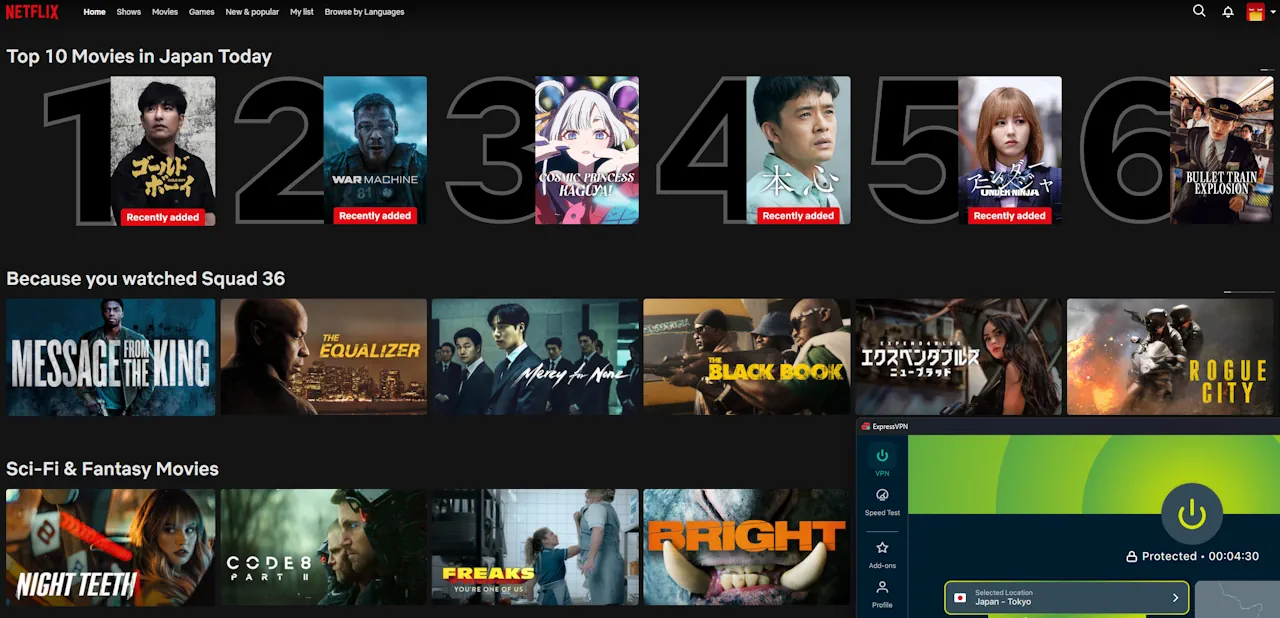
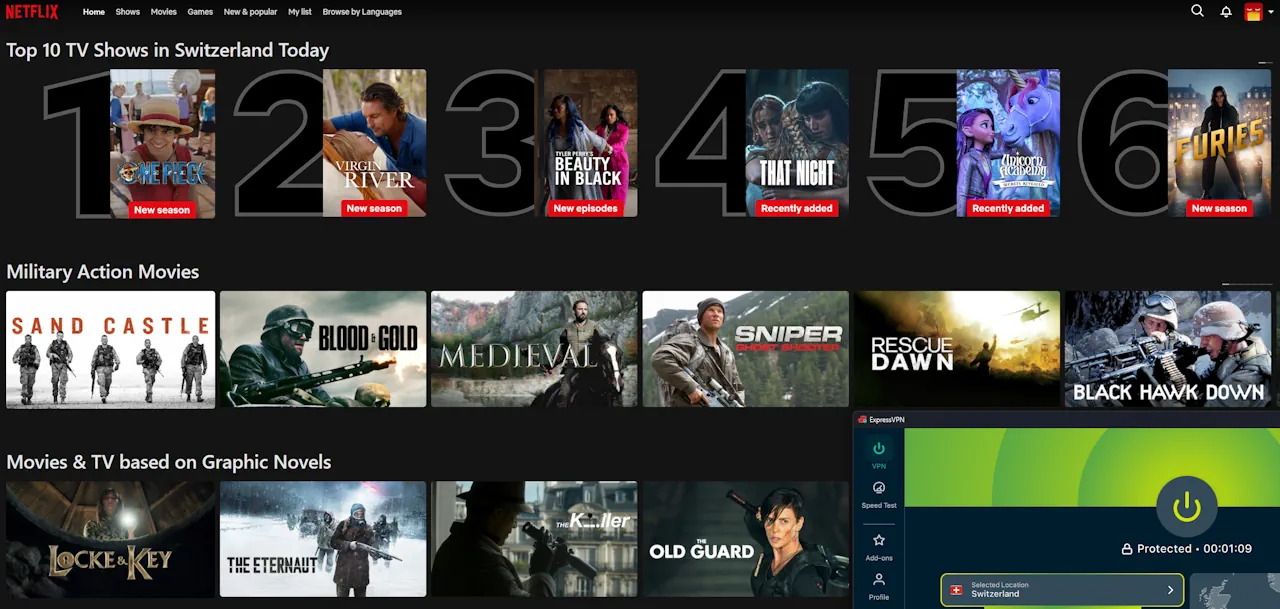
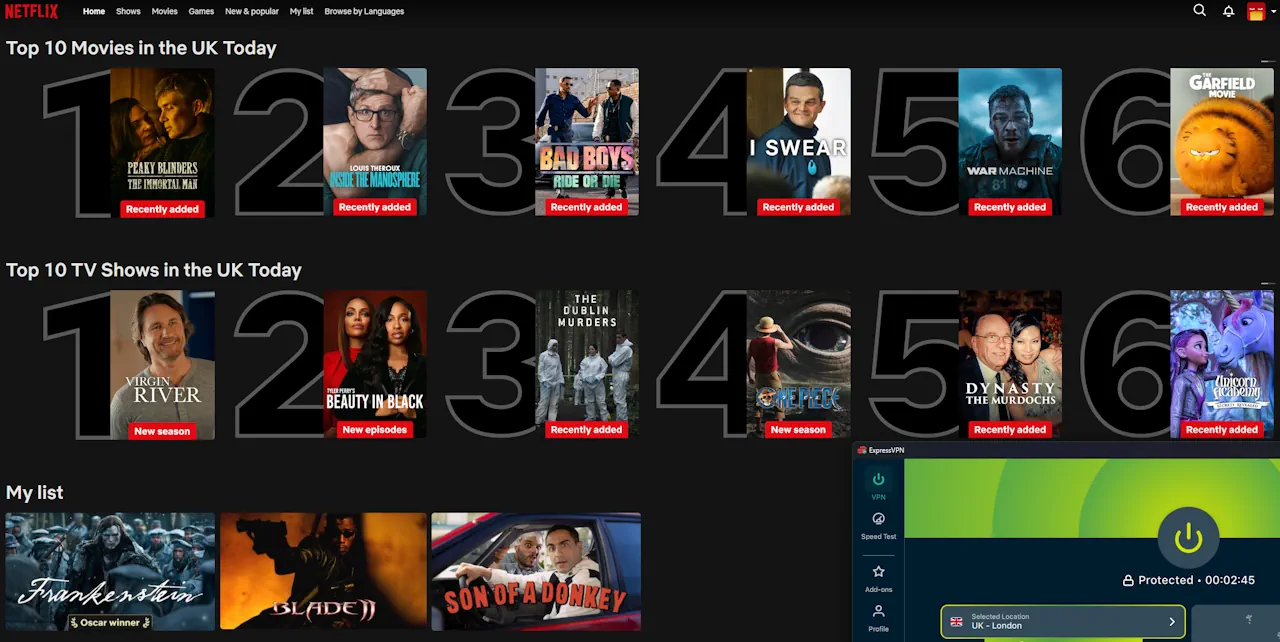
  • Netflix (libraries including U.S., UK, Canada, Japan, Australia, Germany, and Switzerland)
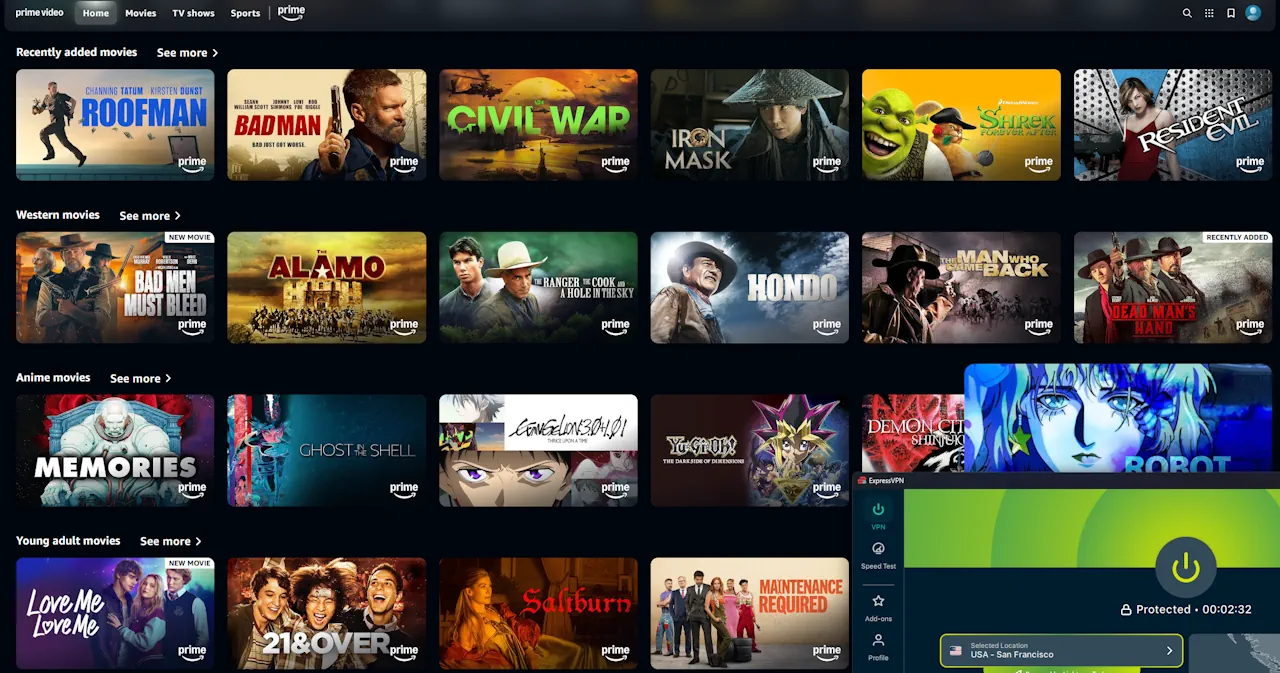
  • Prime Video (U.S.)
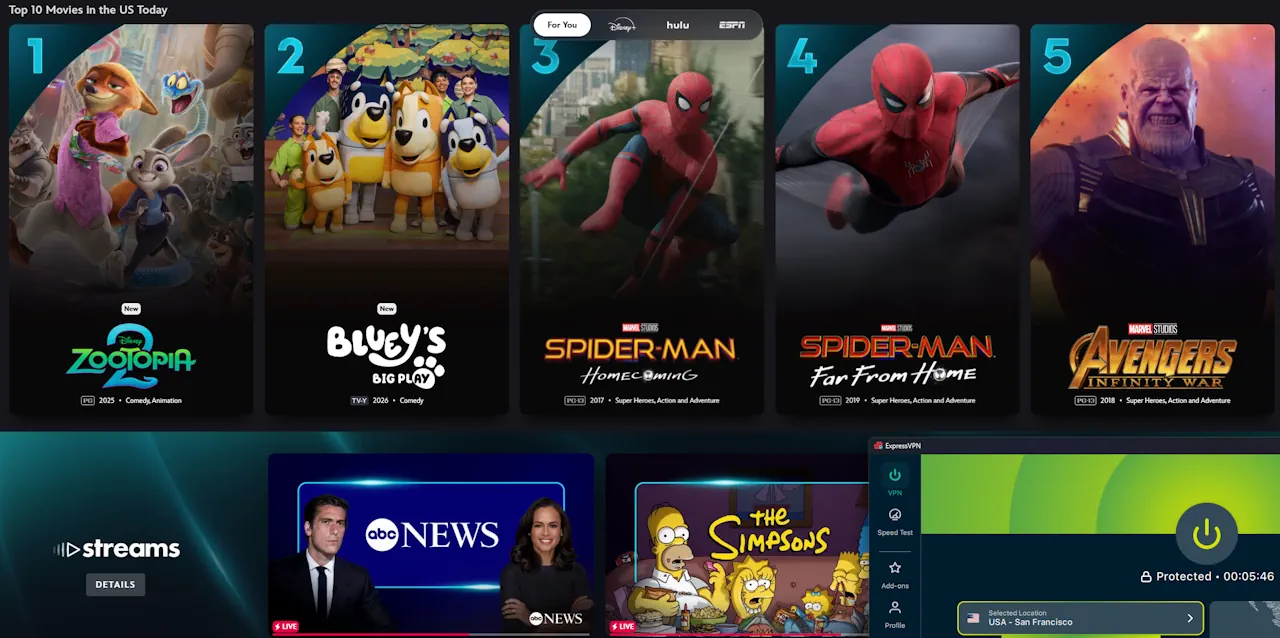
  • Disney+ (U.S.)
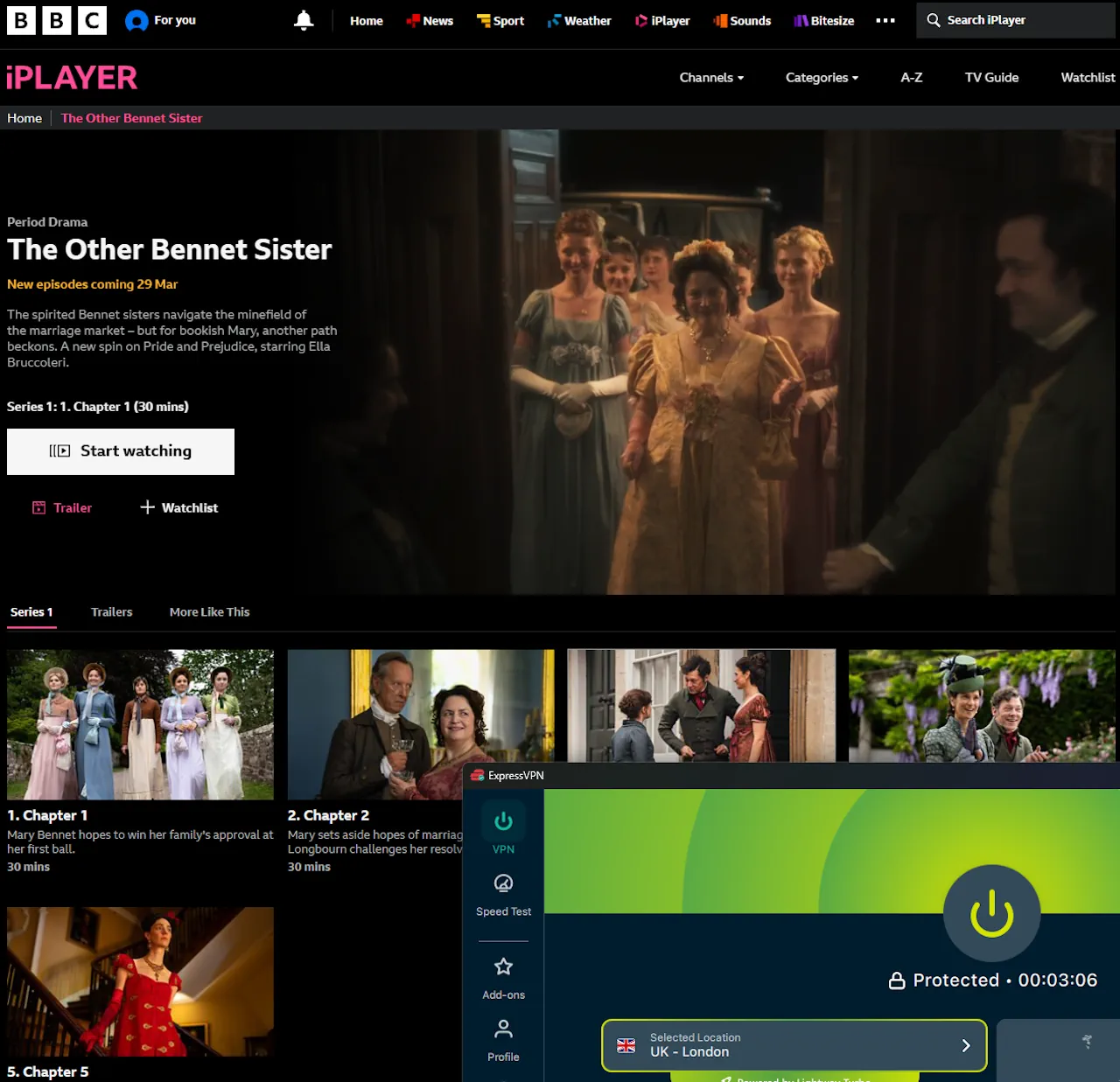
  • BBC iPlayer (UK)
  • Stan (Australia)
  • YouTube 4K

Playback remained smooth throughout testing, including 4K video on YouTube. Overall, ExpressVPN delivered fast, stable streaming performance across the services tested.

Streaming Verification & Playback Results

ExpressVPN easily accessed major streaming services including Netflix (U.S., UK, Canada, Japan, Australia), Prime, Disney+ and BBC iPlayer.

Streams loaded quickly with smooth playback and no interruptions during testing.

All servers tested performed consistently across sessions, without requiring specialized streaming servers.

Streaming Verification & Playback - EGST™ Results
Streaming Service Result Test Observations
Netflix (USA) ✔ Plays Verified: Accessed the U.S. library. HD playback started immediately and remained stable during testing.
Netflix (UK) ✔ Plays Verified: Accessed the UK library. HD playback started immediately and remained stable during testing.
Netflix (Canada) ✔ Plays Verified: Accessed the Canadian library. HD playback started immediately and remained stable during testing.
Netflix (Japan) ✔ Plays Verified: Accessed the Japanese library. HD playback started immediately and remained stable during testing.
Netflix (Australia) ✔ Plays Verified: Accessed the Australian library. HD playback started immediately and remained stable during testing.
Netflix (Germany) ✔ Plays Verified: Accessed the German library. HD playback started immediately and remained stable during testing.
Netflix (Switzerland) ✔ Plays Verified: Accessed the Swiss library. HD playback started immediately and remained stable during testing.
Prime Video (USA) ✔ Plays Verified: Accessed the U.S. library. HD playback started immediately and remained stable during testing.
Disney+ (USA) ✔ Plays Verified: Accessed the U.S. library. HD playback started immediately and remained stable during testing.
BBC iPlayer (UK) ✔ Plays Verified: Accessed the UK library. HD playback started immediately and remained stable during testing.
Stan (Australia) ✔ Plays Verified: Accessed the Australian library. HD playback started immediately and remained stable during testing.
YouTube 4K ✔ Plays Stress Test: 4K (2160p) playback streamed successfully. No visible resolution drops or playback interruptions were observed.

Methodology Note:✔ Plays” indicates that real video playback was tested. “✔ Accessible” indicates that the correct regional interface loaded, but playback was not tested.

Ease of Use

Ease of Use: 5 out of 5

ExpressVPN’s app is clean, modern, and very easy to use, with a strong focus on simplicity.

  • Tap to connect and protect yourself instantly.
  • You can easily pick different countries or cities if you want.
  • A Smart Location option automatically selects the best server for you.

Everything is designed to be quick and straightforward, so you can connect in seconds without needing to adjust anything.

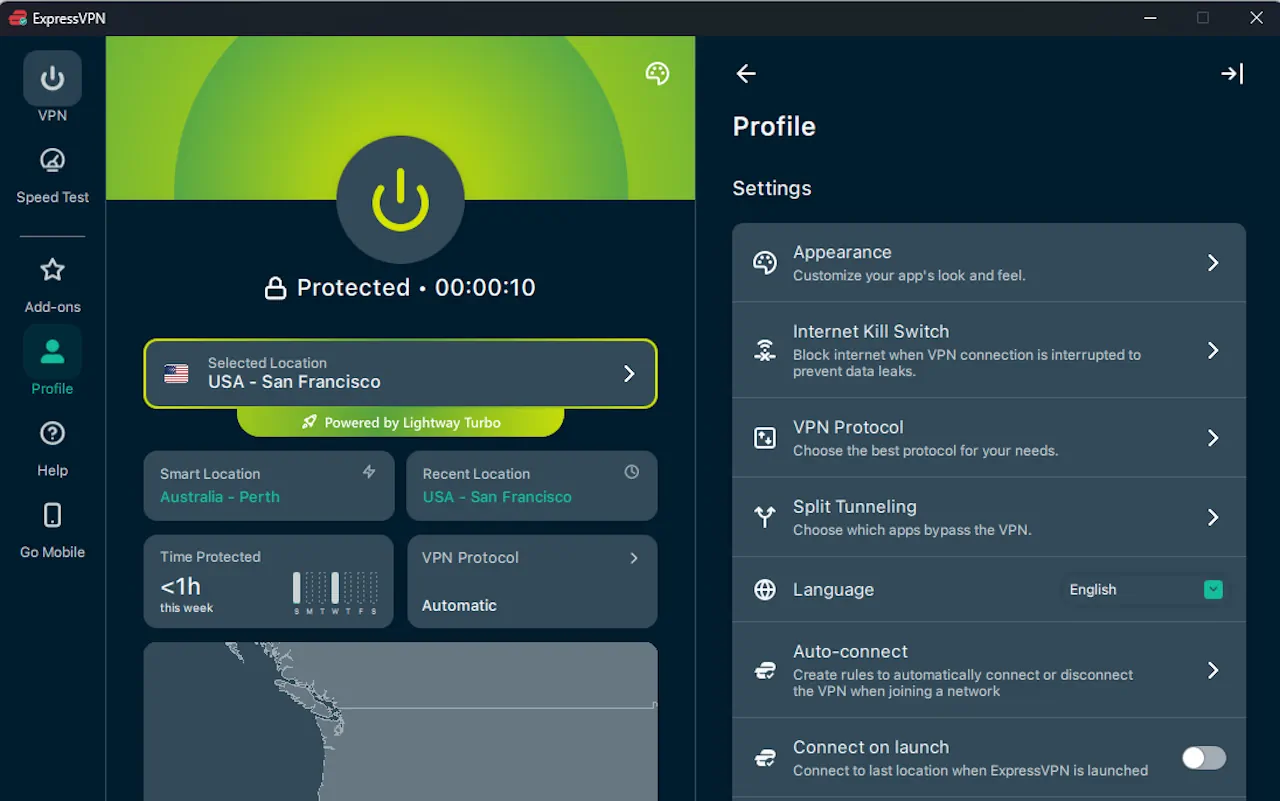
If you want to change settings, options like protocol selection and split tunneling are available, but they’re tucked away under the Profile section, which can take a moment to find at first.

Testing was completed in an environment designed to reflect everyday home usage across both PC and mobile.

Connection setup was fast — ExpressVPN typically connected in about 2–3 seconds using the Lightway protocol.

Switching between servers was smooth, with no manual intervention required during testing.

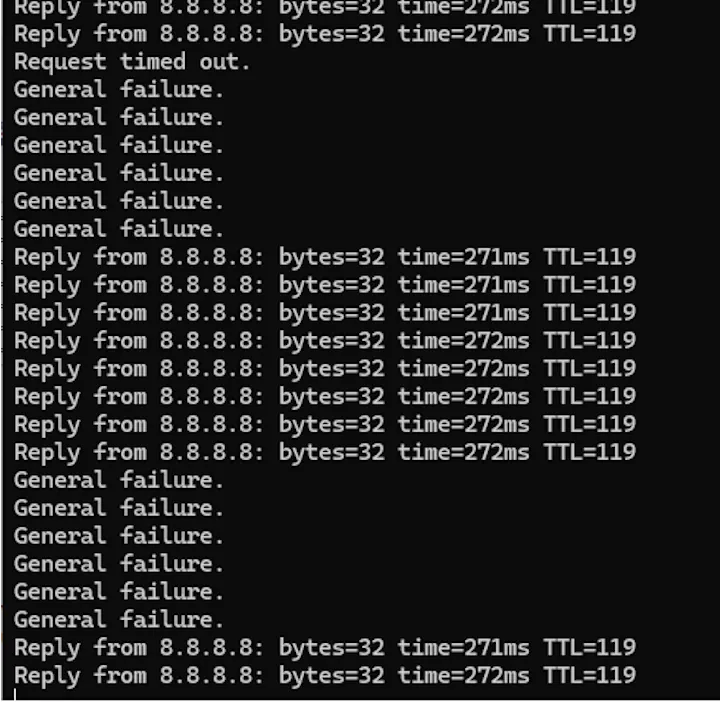
In a few cases, the app briefly displayed a connection error message while still attempting to connect, but the connection completed successfully without any manual action.

The desktop app includes a map view, but it is not interactive and does not affect server selection.

Ease of Use Test Results
Test Area Result Test Observations
Installation Time ✔ Passed Installed on Windows 11 and Android in under 3 minutes from download to connection.
Account Setup ✔ Passed Sign-in and onboarding steps were simple and led directly to the main connection screen.
First Connection ✔ Passed “One-click” connection worked immediately using Smart Location without needing to select a server.
User Interface Clarity ✔ Passed
(Minor Issue)
Main controls were clear and easy to use, but some settings (like protocol and split tunneling) were located under the Profile section and took a moment to find.
Switching Servers ✔ Passed
(Minor Issue)
Switching between locations was generally smooth, but in a few cases the app showed a connection error message while still attempting to connect. The connection eventually completed successfully without manual action.
Navigation & Visual Interface ✔ Passed
(Minor Issue)
The desktop app includes a partially interactive map. Some locations (such as Melbourne) could be selected directly, but the map is not scrollable or zoomable and did not consistently display servers across all regions.

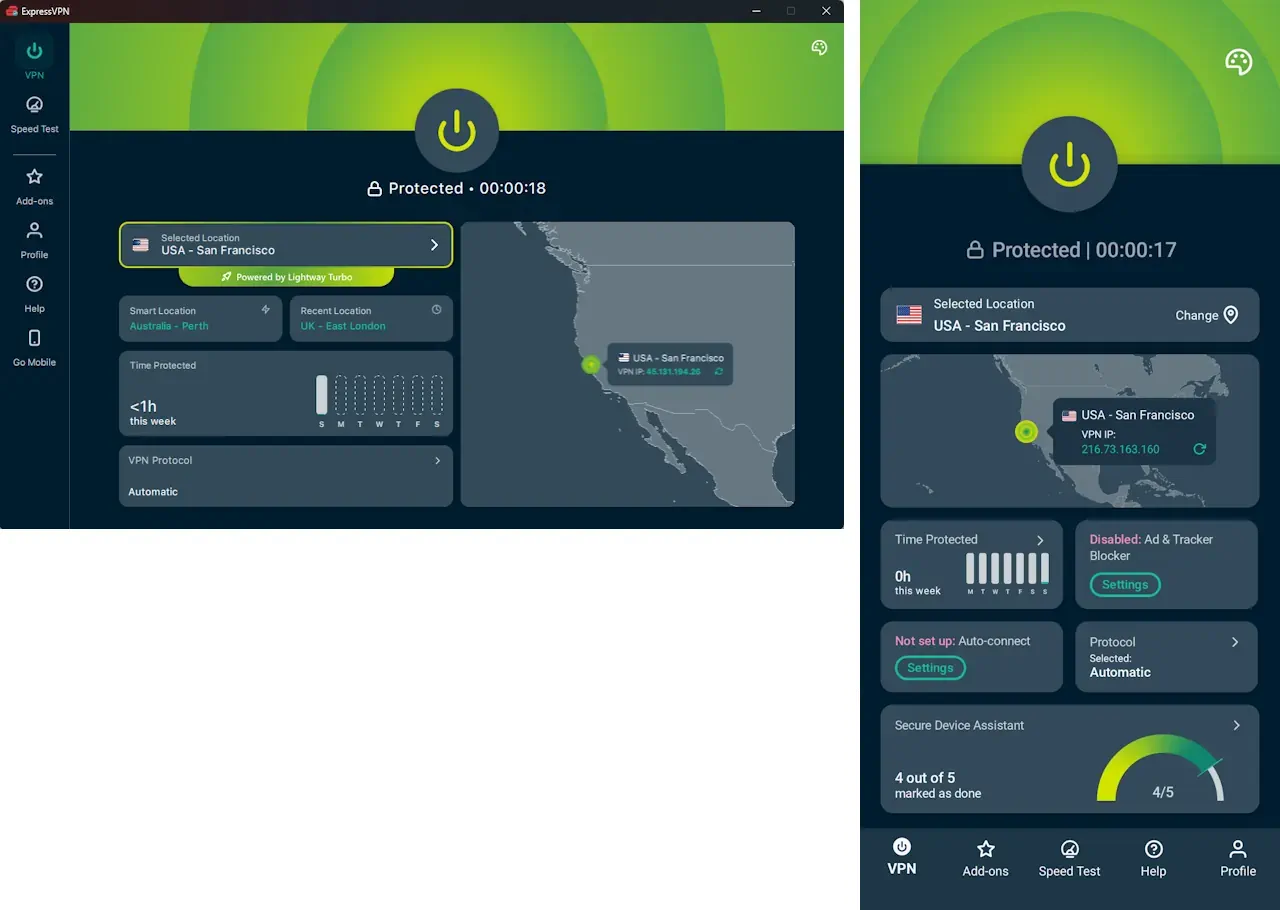
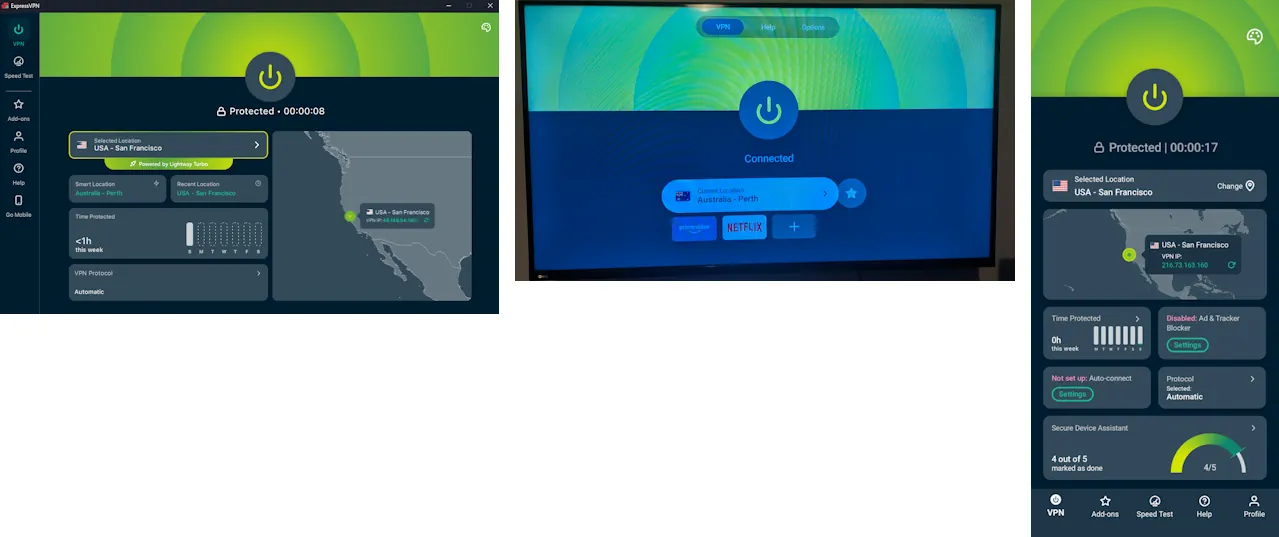
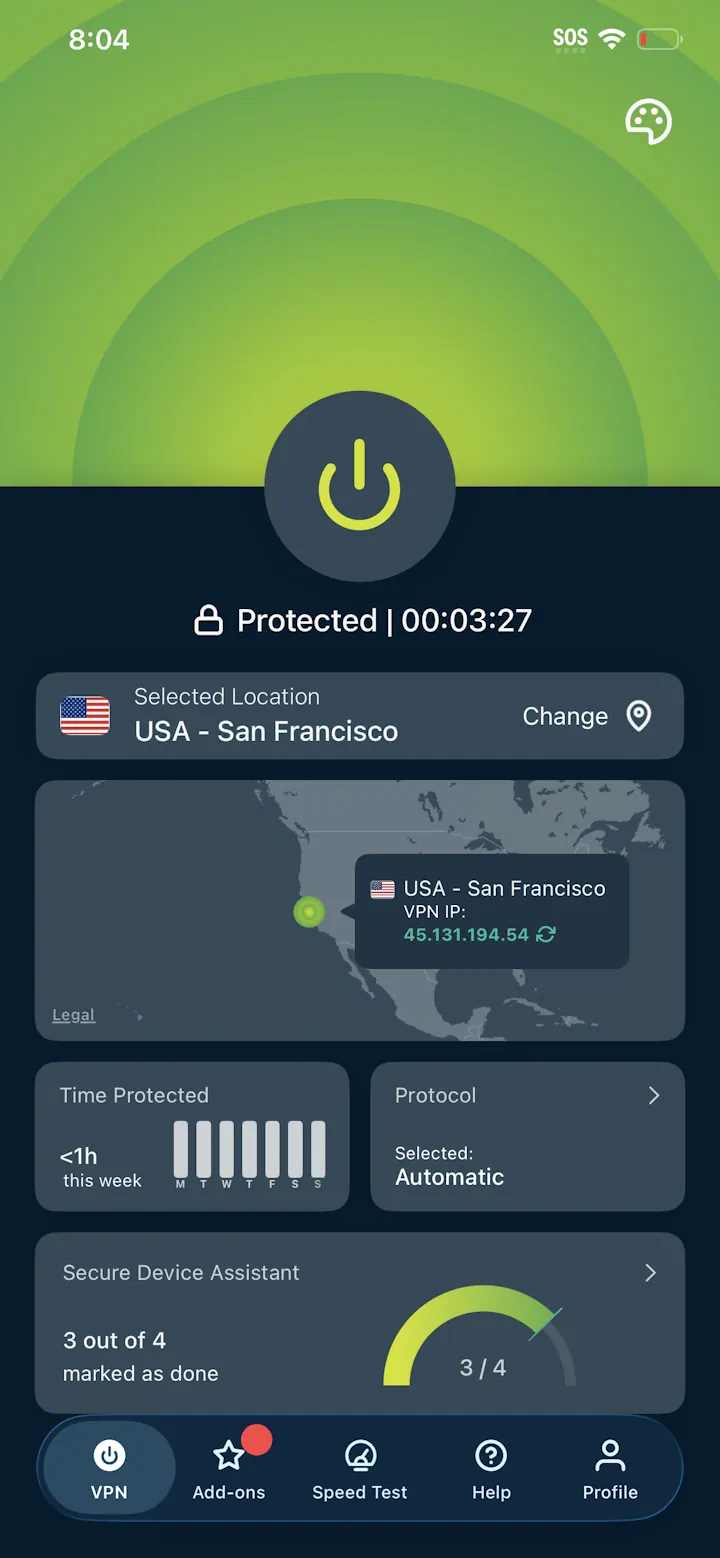
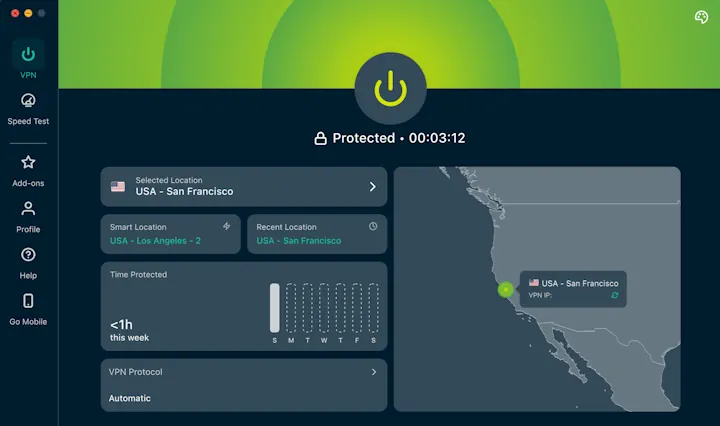
ExpressVPN User Interfaces

ExpressvVPN – Windows App
ExpressVPN – Android App

Device Support

Device Support: 4.7 out of 5

ExpressVPN works across the devices most people use every day, including computers, phones, tablets, smart TVs, and routers.

You can install ExpressVPN on:

  • Windows and macOS computers
  • Android phones and tablets
  • iPhone and iPad (iOS)
  • Smart TVs and streaming devices (including Android TV, Fire TV, and Apple TV)
  • Routers (manual setup or Aircove router)

ExpressVPN allows multiple devices to be connected at the same time, so your laptop, phone, tablet, and TV can all stay protected without needing separate accounts.

I tested ExpressVPN across several of these device types to see how smoothly everything worked in real use, such as browsing, switching locations and streaming. The results are below.

Device Support results

Here are the results from testing ExpressVPN on the devices listed below. All tests were completed in an environment designed to reflect everyday home usage, checking how well each device handled browsing, streaming, switching locations, and general usability.

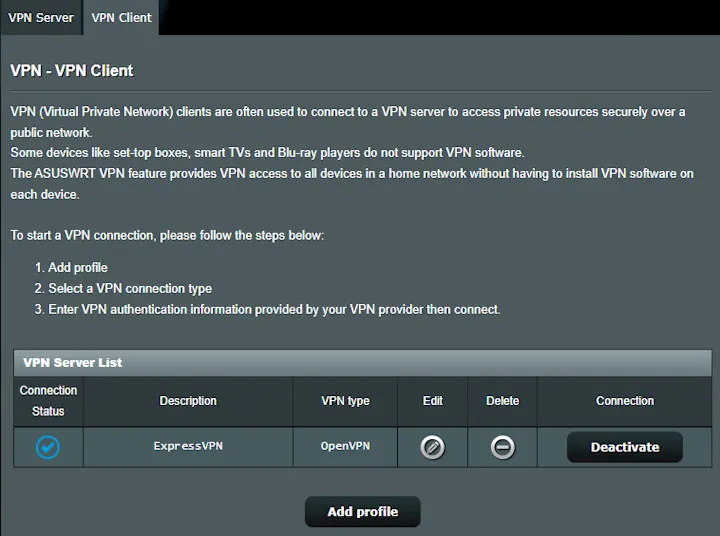
Note: ExpressVPN is phasing out support for non-Aircove routers, with a clear shift toward its own hardware. This may reduce flexibility over time for people using their own router, particularly for manual OpenVPN setups like the one tested here.

Device Support Test Results
Device or Platform Result Test Observations
Windows desktop or laptop ✔ Tested - Working Verified: Installed the ExpressVPN Windows app, signed in, connected to multiple locations, and used it for everyday browsing and streaming. No issues observed during testing.
Android phone or tablet ✔ Tested - Working Verified: Used the ExpressVPN Android app for daily use, including location changes and streaming. Connections remained stable with no issues observed.
Mac desktop or laptop ✔ Tested - Working Verified: Installed the ExpressVPN macOS client and connected to multiple regions. Browsing and streaming remained stable throughout testing.
iPhone or iPad (iOS) ✔ Tested - Working Verified: Used ExpressVPN via the iOS app. Server switching worked as expected and everyday browsing remained stable.
Smart TV / Streaming Device ✔ Tested - Working
(Minor Issue)
Verified: Attempted installation on a smart TV with Google Play support, but the app was not available natively. Installed manually via APK, after which the app functioned correctly. Availability may vary depending on device compatibility.
Router installation ✔ Tested - Working
(Minor Issue)
Verified: Configured ExpressVPN at the router level using OpenVPN. All connected devices routed traffic through the VPN tunnel. Setup required more time than app installs and separate manual credentials, and speeds were significantly lower due to router hardware and OpenVPN limitations.

Features & Tools

Features and Tools: 4.6 out of 5

ExpressVPN includes a set of practical features designed to keep your connection private and reliable, with a strong focus on simplicity and ease of use.

Some of the most useful features include:

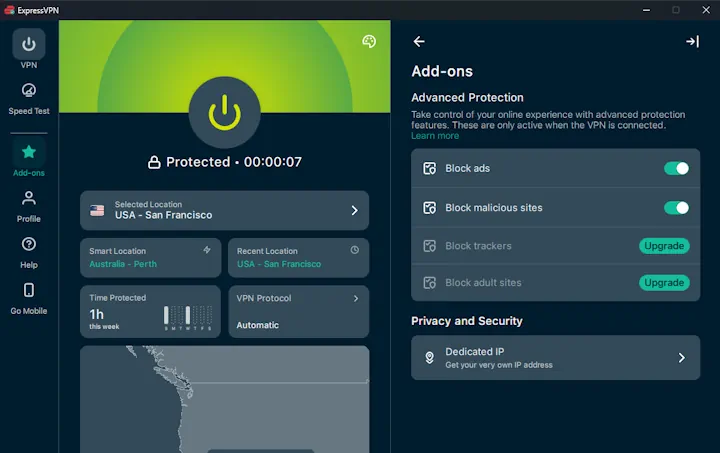
  • Ad  blocking - Blocks ads when enabled
  • Malicious site blocking - Blocks access to known unsafe websites
  • Split tunneling - Lets you choose which apps use the VPN and which connect normally

ExpressVPN focuses on keeping things simple while still covering the features most people actually use.

ExpressVPN includes a range of built-in features that support everyday privacy and connection control. These were tested during normal use, including browsing, switching locations, and general day-to-day activity.

Where testing was possible, features were used in real-world scenarios. Features that require separate subscriptions were not included in this review.

Features & Tools Test Results
Feature Result Test Observations
Block Ads ✔ Tested - Working Verified: Blocked many ads on websites during testing. Browsing remained fast and stable with no noticeable page loading issues.
Block Malicious Sites ✔ Tested - Working Verified: Malicious test domains were blocked during testing. Access was prevented before the page could load, with no impact on browsing performance.
Split Tunneling ✔ Tested - Working Verified: Allowed selected apps to bypass the VPN while others remained protected. Worked reliably across multiple sessions.

Pricing and Plans

Pricing and Plans: 4.2 out of 5

Basic

1-Year Plan
+3 Months Free
Billed $74.85 for 15 months (1 year + 3 free months); renews at $99.95 per year ($8.33/mo).
2-Year Plan
+4 Months Free
Best Deal
Billed $97.72 for 28 months (2 years + 4 free months); renews at $99.95 per year ($8.33/mo).
Monthly Plan
+ Months Free
Billed $12.99 for 1 month – renews monthly; cancel anytime.
⬅️No need to search for coupons. This link unlocks the best offer automatically.

ExpressVPN is a premium service, and the price reflects that - but the quality is hard to beat.

Guarantee: 30-day risk-free money-back guarantee

Customer Support

Customer Support: 5 out of 5

ExpressVPN’s customer support is fast, helpful, and available 24/7.

  • Live chat responses usually arrive within a minute.
  • Support agents are knowledgeable and friendly, no confusing tech jargon.
  • There’s also a large Help Center full of simple guides and setup walkthroughs.

If you ever run into a problem, getting help is quick and easy.

📊How This VPN Was Tested

This VPN was tested using the Enfinnit Global Stress Test (EGST) - a structured, repeatable framework designed to evaluate how VPNs behave under real-world conditions rather than ideal, short-term tests.

EGST focuses on four core testing pillars that reflect how people actually use a VPN day to day:

Speed and Performance:

I run multiple speed tests on a modern home broadband connection to understand how the VPN affects everyday activities like streaming, browsing, downloads, and video calls. To assess global performance, tests are conducted across servers in North America, Europe, Asia, and Australia, with results reflecting sustained use rather than one-off measurements.

Security and Location Masking:

I verify that the VPN successfully hides your real location by checking for DNS, WebRTC, and IPv6 leaks under active connection conditions. I also confirm the use of modern, secure VPN protocols to ensure traffic is properly protected while connected.

Privacy and Logging Practices:

Privacy claims are evaluated beyond marketing statements. This includes reviewing published privacy policies, corporate structure and jurisdiction, and any available independent verification. “No-logs” claims are scrutinized carefully, with greater weight given to providers that support those claims through independent, up-to-date public-facing audits, legal precedent, or other verifiable evidence rather than policy language alone.

Greater confidence is placed in providers whose privacy assurances can be corroborated.

Real-World Usability:

I assess how easy the VPN is to use across common devices, whether it reliably accesses popular streaming services from different regions, and how responsive and knowledgeable customer support is when contacted with real questions.

For a full explanation of the EGST framework and how testing results are evaluated consistently across all reviews, see How I Test VPNs.


Mike Percsy

I’m the founder of Enfinnit and the designer of the Enfinnit Global Stress Test (EGST). With 25+ years securing high-value financial systems, I test VPNs under real-world conditions to verify performance, privacy claims, and reliability using documented, repeatable methods.
Read my full bio and editorial standards.
Ready for easy online privacy and protection?

⬅️No need to search for coupons. This link unlocks the best offer automatically.