🎯 Best For: People who want a premium, do-it-all VPN that excels in every category - from speed and streaming to privacy and features.
🚀 Performance: A top performer. Consistently one of the fastest VPNs available, delivering a smooth, buffer-free experience for 4K streaming, gaming, and browsing.
🔒 Privacy & Security: Elite. It has a fully audited no-logs policy, is based in privacy-friendly Panama, and includes powerful extras like Threat Protection to block malware and trackers.
⚠️ Key Drawback: It's a premium product, and its price is higher than budget-focused alternatives, though long-term plans offer excellent value
⬅️No need to search for coupons. This link unlocks the best offer automatically.
Full Review
What is NordVPN?
NordVPN is a leading VPN service based in Panama, widely recognized as an industry benchmark for speed, security, and features.
It is designed to provide a comprehensive, high-performance security solution for people who want top-tier protection for streaming, browsing, and protecting their data across all devices.
Speed & Performance
Speed & Performance: 4.7 out of 5
In my testing, NordVPN is one of the fastest VPNs available, easily handling 4K video, smooth gaming, and stable video calls.
But my Enfinnit Global Stress Test (EGST) - a comparing-apples-to-apples method - revealed something I very rarely see mentioned anywhere:
In 3 out of my 6 international tests, NordVPN was noticeably faster than my normal ISP connection.
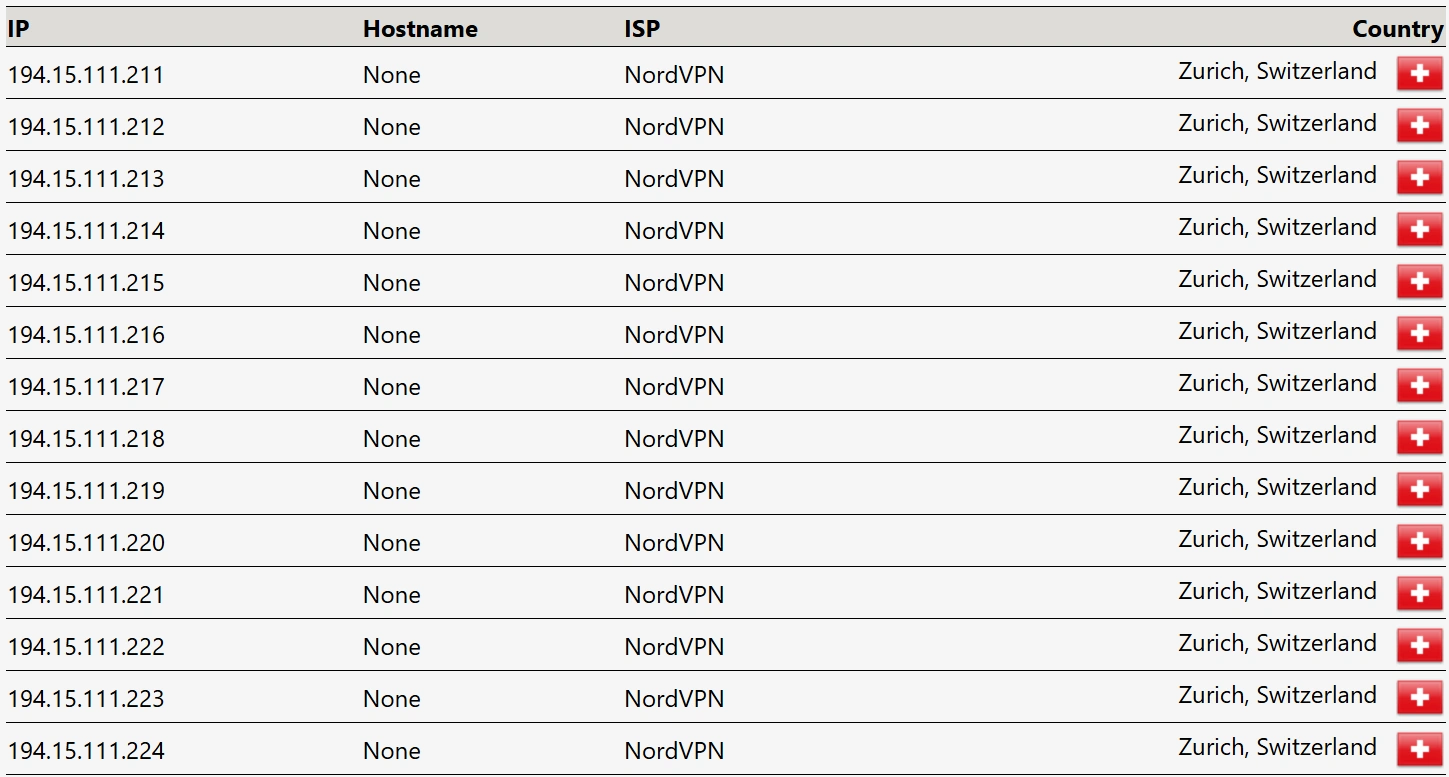
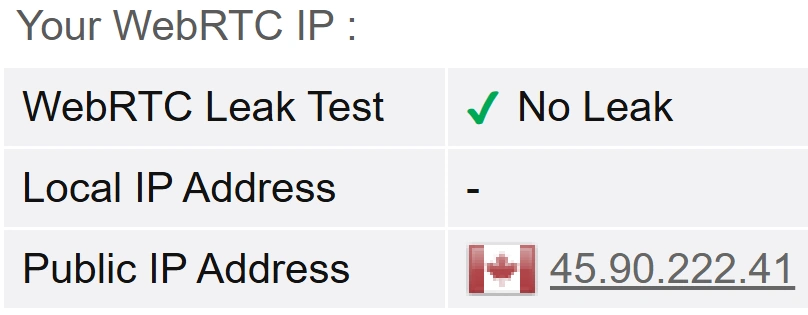
Switzerland: +188%
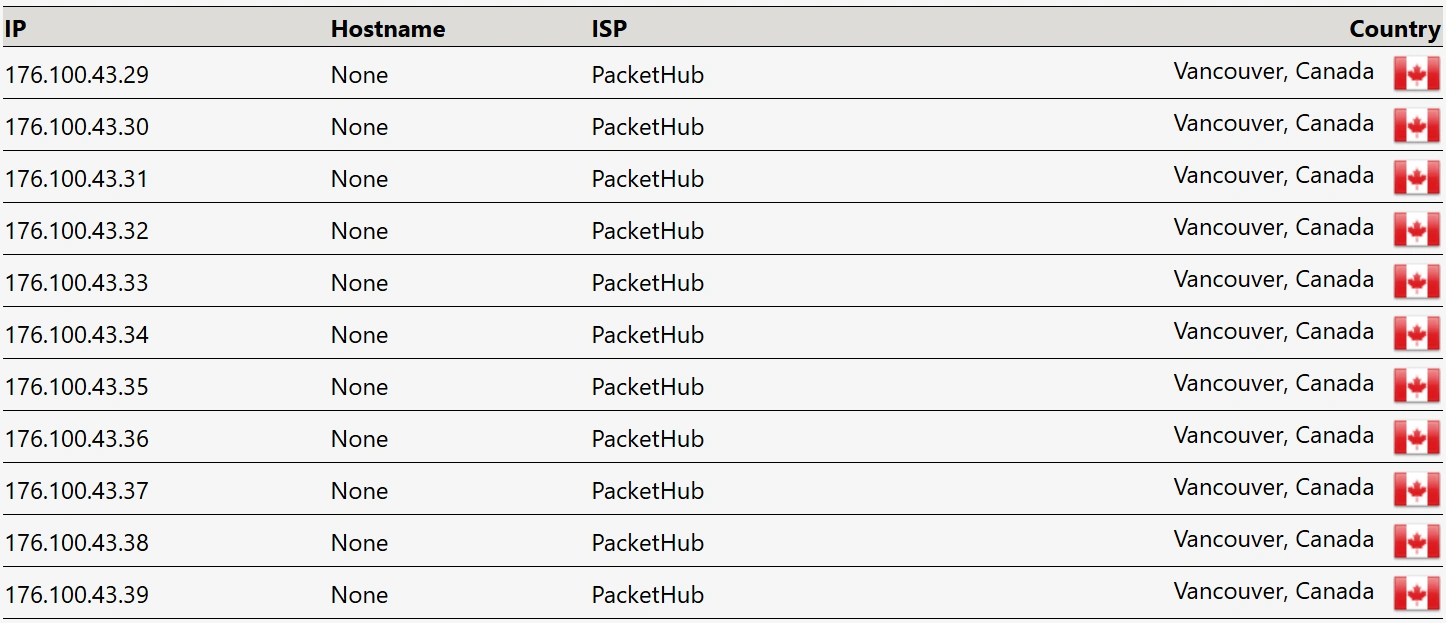
Canada: +162%
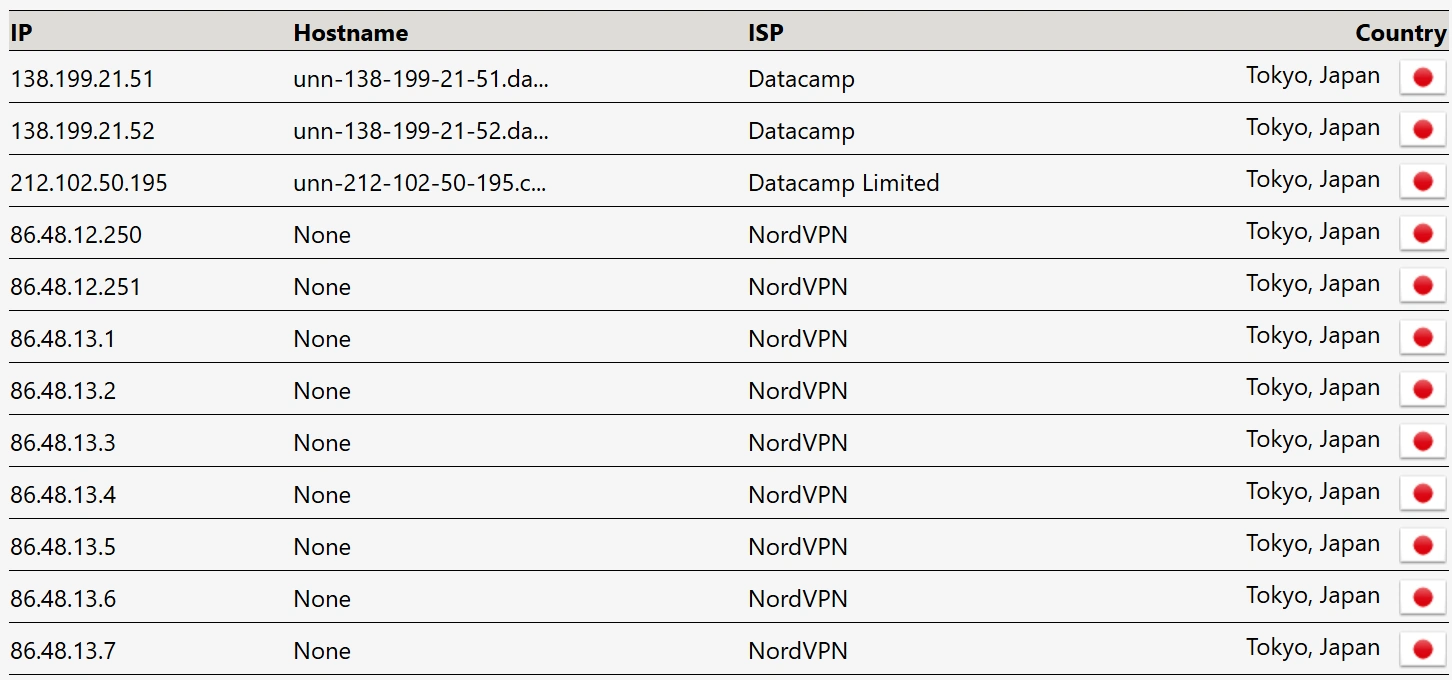
Japan: +144%
This isn’t a gimmick. It’s what happens when a VPN takes a cleaner international route than your ISP during peak congestion.
EGST™ (Enfinnit Global Stress Test): Speed & Performance Results
No VPN (Baseline)
NordVPN (Same Route)
Baseline vs NordVPN — same route, better result.
The Baseline (VPN OFF): Measures the true speed of my ISP’s “public road.”
The Test (VPN ON): Seconds later, I repeat the test on the exact same server with NordVPN enabled.
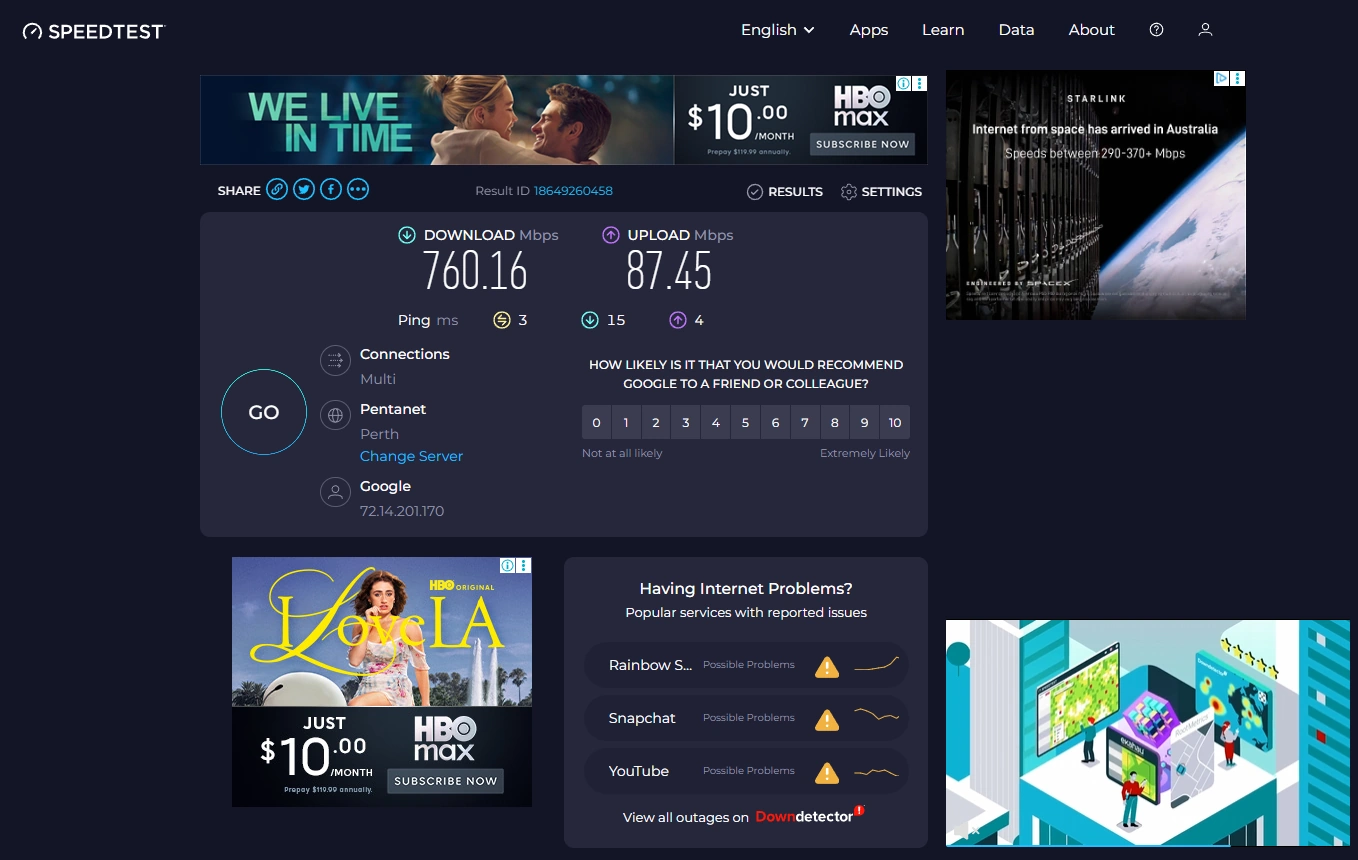
The image above is a real example. As you can see, something surprising happened:
With NordVPN, my speed jumped to 188% of the baseline.
This wasn’t a one-off. It happened in 3 out of 6 international locations.
It’s a repeatable, data-driven pattern: NordVPN often picks a cleaner route than my ISP, especially during busy hours. When the public highway is congested, Nord’s “private road” can be significantly faster.
EGST™ (Enfinnit Global Stress Test) Methodology
My goal isn’t to simulate a “perfect lab environment.” It’s to measure how a VPN behaves for a real person on a normal home connection.
That’s why EGST is built on three principles:
1. Real-World Environment All tests were run from a 1 Gbps residential fibre line in Perth, Australia - one of the most geographically isolated major cities in the world. If a VPN is fast here, it’s fast anywhere.
2. Peak-Time Testing I test during 7 PM – 10 PM, when the internet is actually busy. This is an excellent real-life measure how a VPN performs under real congestion.
3. Consistent Benchmarking
Compare Apples-to-Apples: For every country, I first record a non-VPN baseline.
Same Servers, Every Time: For each test location, I’ve built a fixed “stable” of reliable, high-capacity Speedtest servers. I use this same set for every VPN I review so comparisons stay fair and consistent.
Three-Run Check: I take three back-to-back results, look for stability, and record the middle value to avoid outliers.
Your exact speeds will differ based on where you live, but the percentage of baseline gives you a clear, fair comparison across VPNs.
This is the same transparent method I use for all my reviews. You can read the full breakdown on my How I Test VPNs page.
Speed & Performance – EGST™ Results
Location
Test Type
Download (Mbps)
Upload (Mbps)
Ping (ms)
% of Baseline
Australia (Local)
Baseline
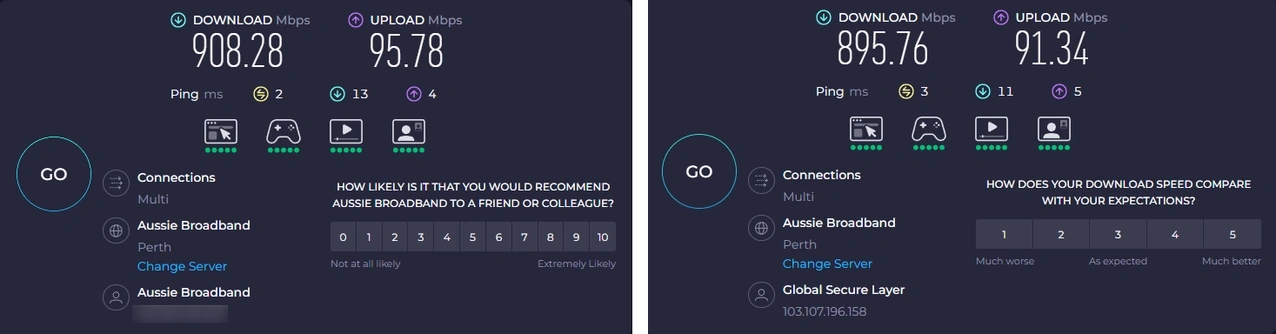
908
95
2
N/A
NordVPN
895
91
3
98%
USA (San Francisco)
Baseline
801
69
195
N/A
NordVPN
559
52
244
70%
UK (London)
Baseline
475
64
206
N/A
NordVPN
341
61
270
79%
Canada (Vancouver)
Baseline
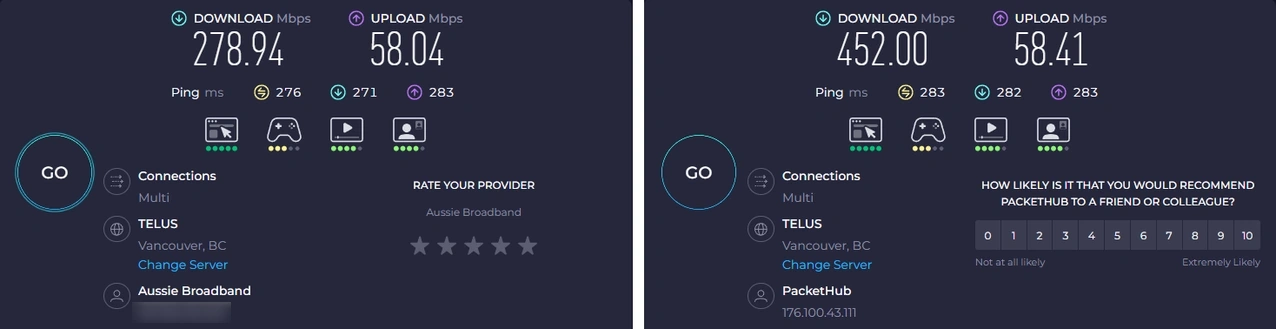
278
58
276
N/A
NordVPN
452
58
283
162%
Germany (Berlin)
Baseline
544
81
213
N/A
NordVPN
475
77
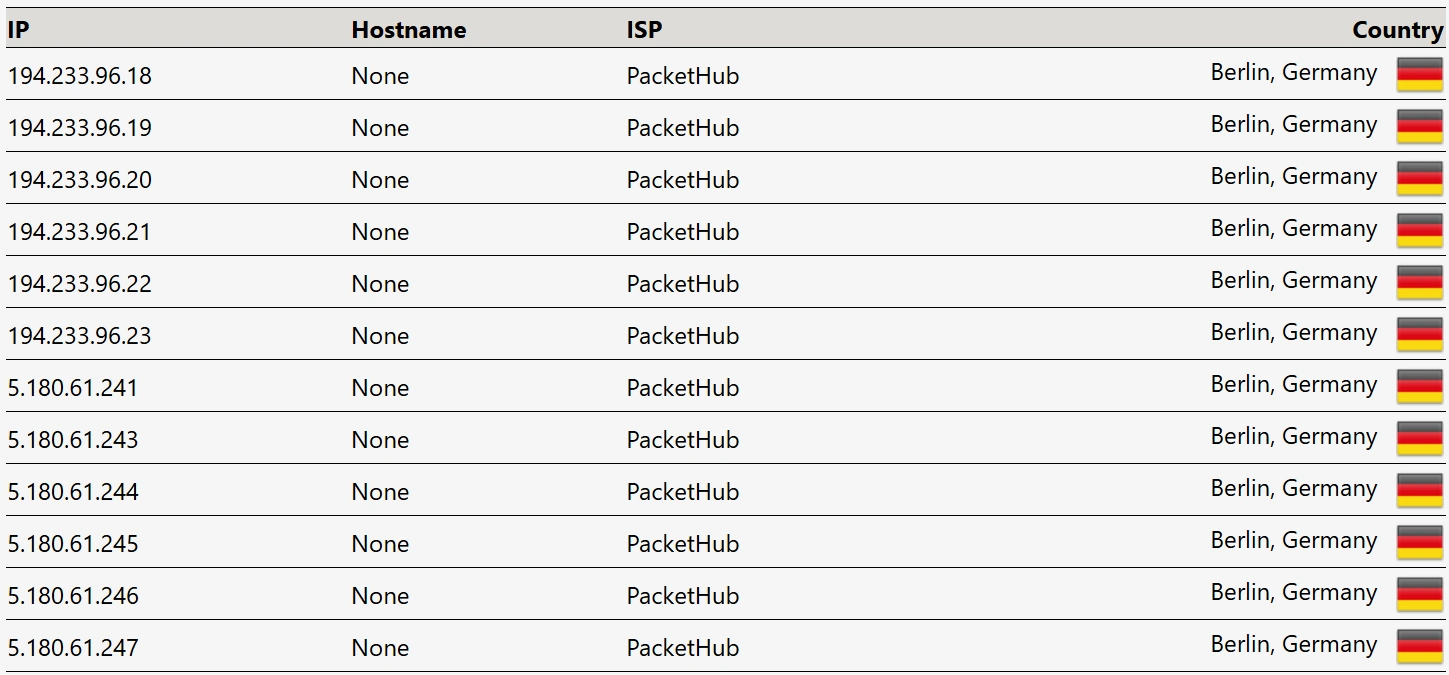
231
87%
Switzerland (Zurich)
Baseline
143
64
206
N/A
NordVPN
270
41
265
188%
Japan (Tokyo)
Baseline
429
76
163
N/A
NordVPN
621
83
115
144%
The Verdict
NordVPN has set an incredibly high bar.
My data shows it’s not just a privacy tool — it’s also a smart routing engine that can outperform your ISP when international paths get congested.
In several real-world tests, NordVPN wasn’t just as fast as my normal connection, it was significantly faster.
Very few VPNs can support that claim with real measurements - and NordVPN passed with ease.
In my hands-on testing, NordVPN’s privacy and security performed exactly as advertised. Your internet activity is protected by strong encryption, and NordVPN does not record what you browse or access. I confirmed this by reviewing its most recent independent no-logs audit.
NordVPN is based in Panama, which sits outside major data-sharing alliances. This is a sensible jurisdiction for anyone who cares about keeping their online activity private.
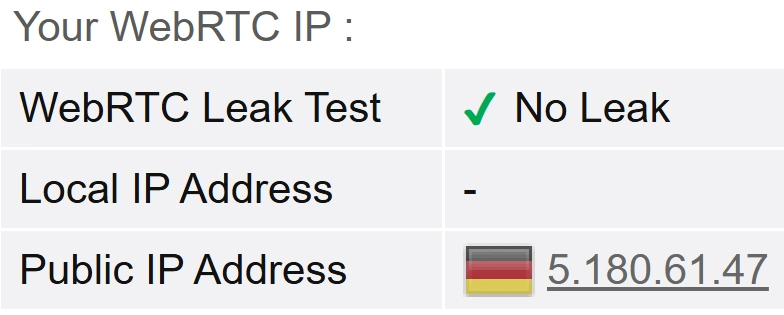
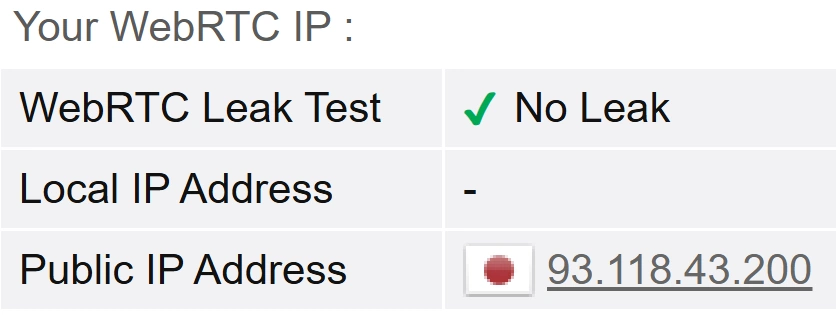
I ran multiple IP, DNS, and WebRTC leak tests across servers in different countries, and NordVPN kept my real location hidden every time.
The app-level kill switch responded instantly when I forced the VPN connection to drop. My internet access was cut immediately, preventing any data from leaking onto my underlying connection.
NordVPN also includes Threat Protection in its standard plan. It blocks harmful sites and trackers at the app level, and I will be expanding my testing of this in the next stage of my security evaluation.
If you want a VPN that keeps your online activity private without needing to adjust settings, NordVPN’s core security features proved consistent, stable, and reliable throughout my testing.
Privacy & Security Results
These results come from EGST (Enfinnit Global Stress Test) and follow the same controlled, repeatable method I apply across all VPNs.
Below are the verified privacy and security results from EGST.
This is the same transparent method I use for all my reviews. You can read the full breakdown on my How I Test VPNs page.
Privacy & Security – EGST™ Results
Test Suite
Type
Status
Lab Analysis
Leak Protection (Full Suite)
Claim
Full Masking
"Prevents IPv4, IPv6, DNS, and WebRTC leaks."
IPv4 Leak
✔ Passed
Real IP hidden. Tunneled IP detected.
IPv6 Leak
✔ Passed
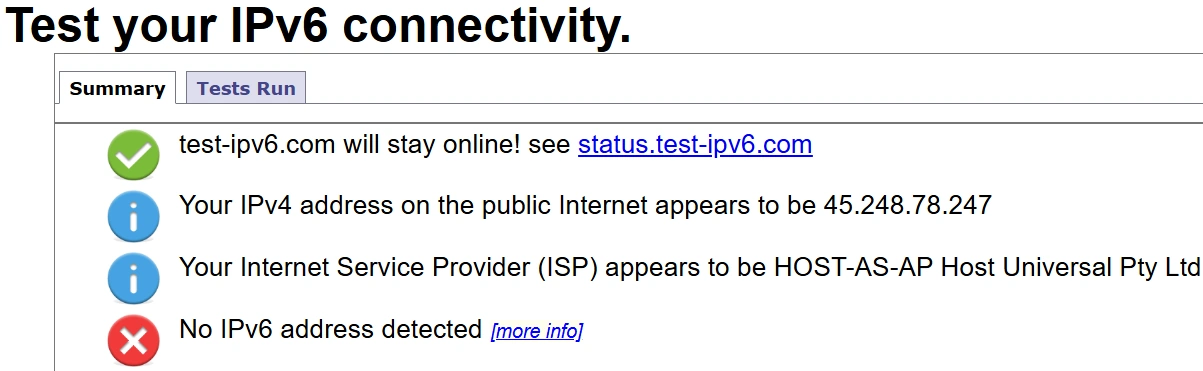
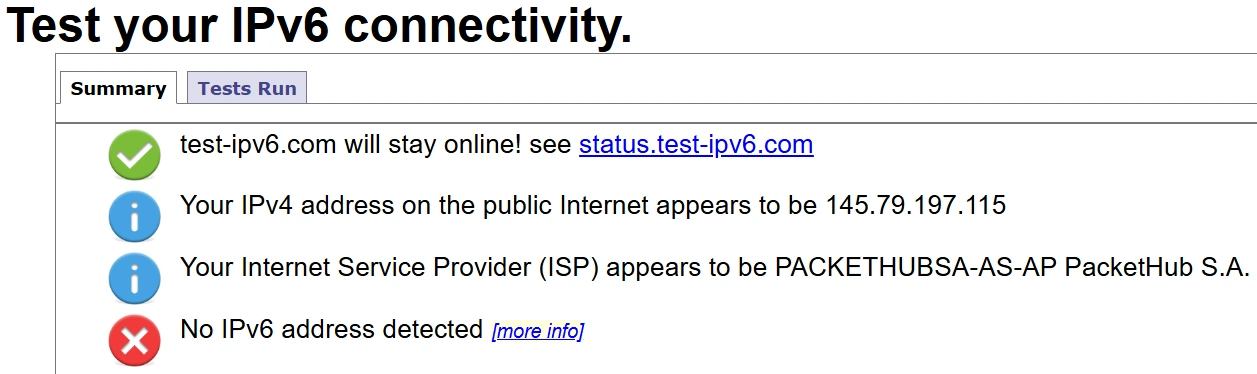
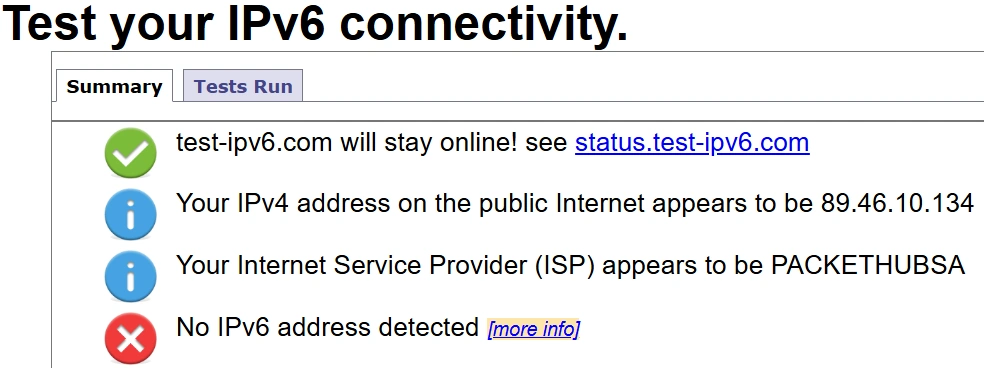
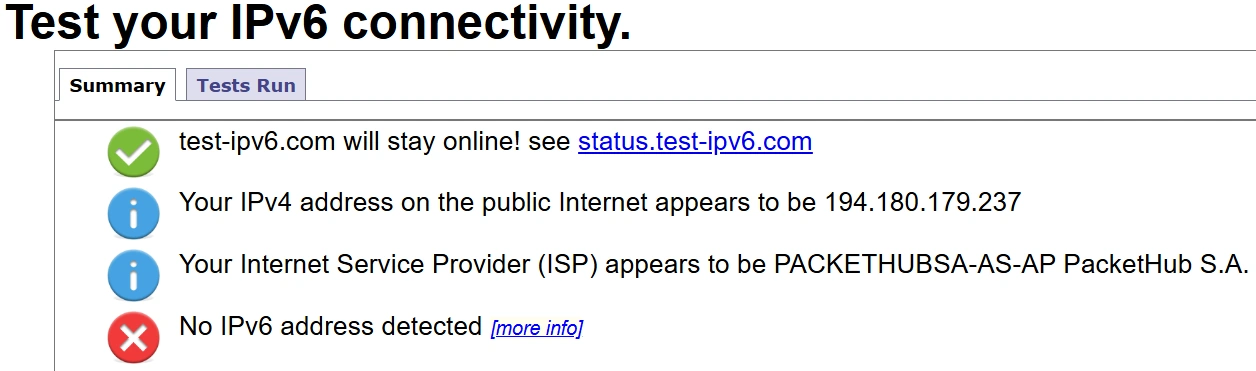
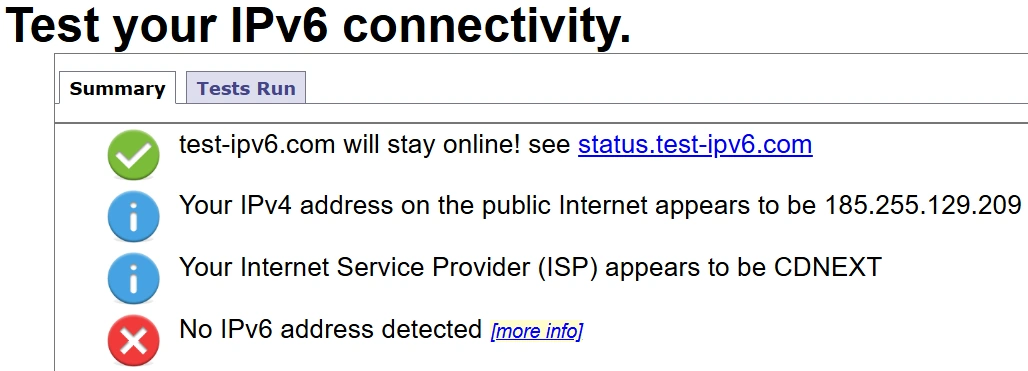
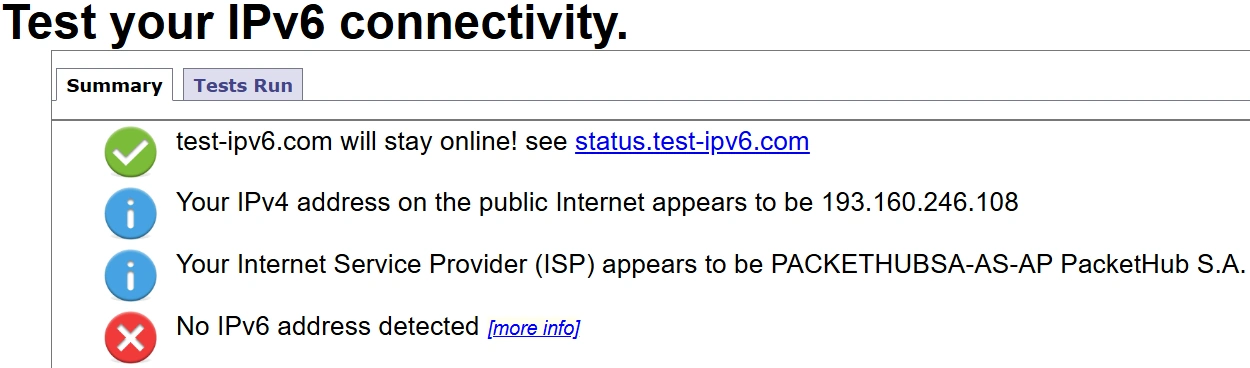
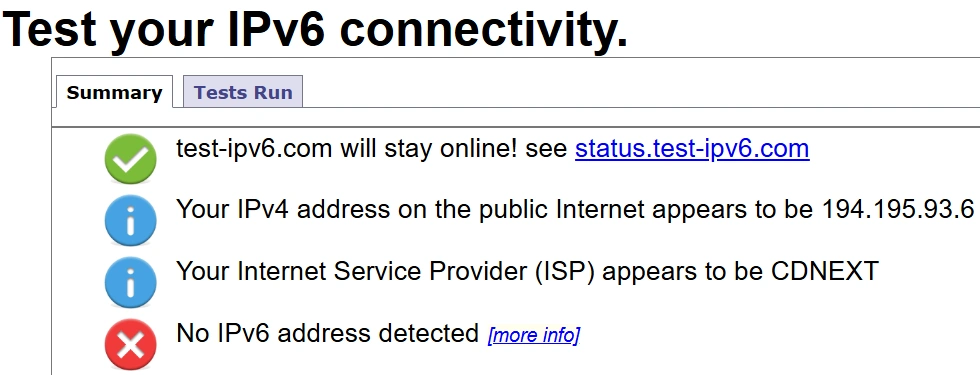
VPN blocks native IPv6 and all transition tunnels (including Teredo).
DNS Leak
✔ Passed
DNS requests matched VPN server location.
WebRTC
✔ Passed
Browser leak test negative. Local IP masked.
Kill Switch
Claim – Internet
System-wide
"Instantly cuts internet if the VPN disconnects."
Internet Test
✔ Passed
When the VPN service was terminated, all internet traffic was blocked immediately. No data leaked.
Kill Switch
Claim – App
Per-app
"Selected apps close if the VPN disconnects."
App Test
✔ Passed
The chosen app (Chrome) closed instantly when the VPN disconnected. App could be reopened without VPN protection.
Server Location
Claim
Physical
"Server location matches advertised region."
Verification
✔ Verified
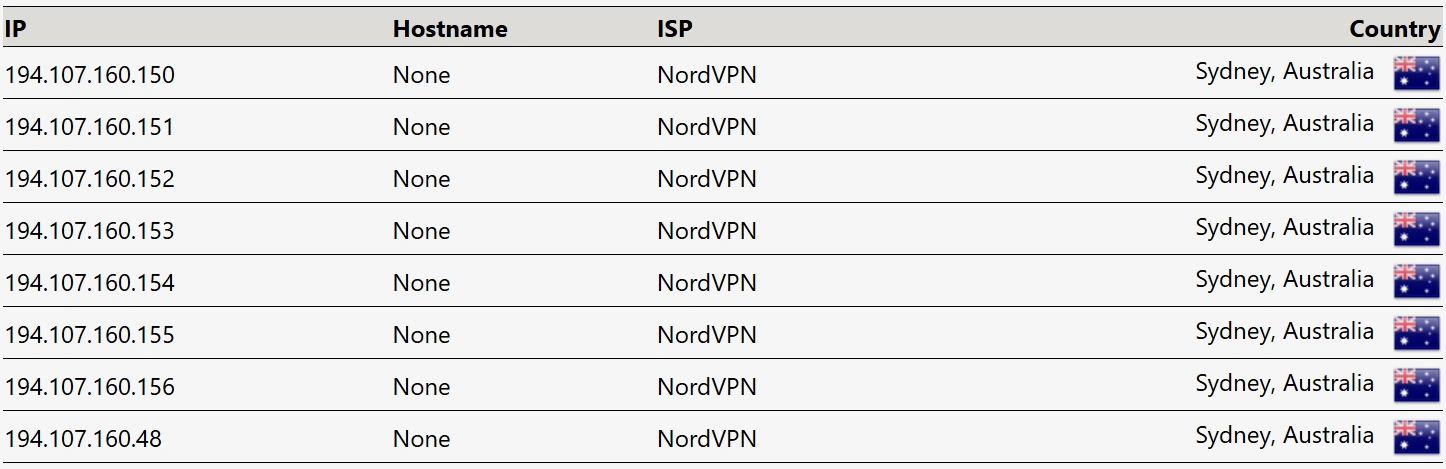
IP geolocation matched the advertised country in all tests.
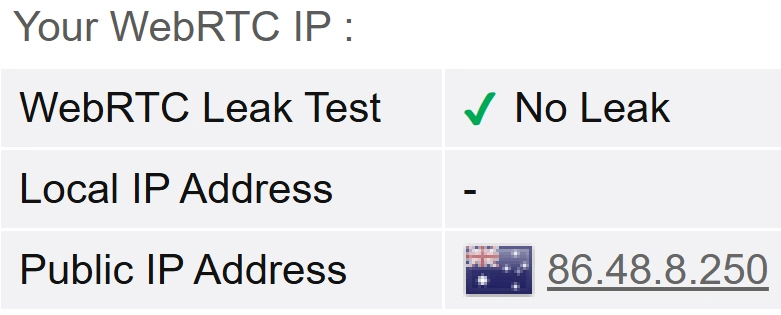
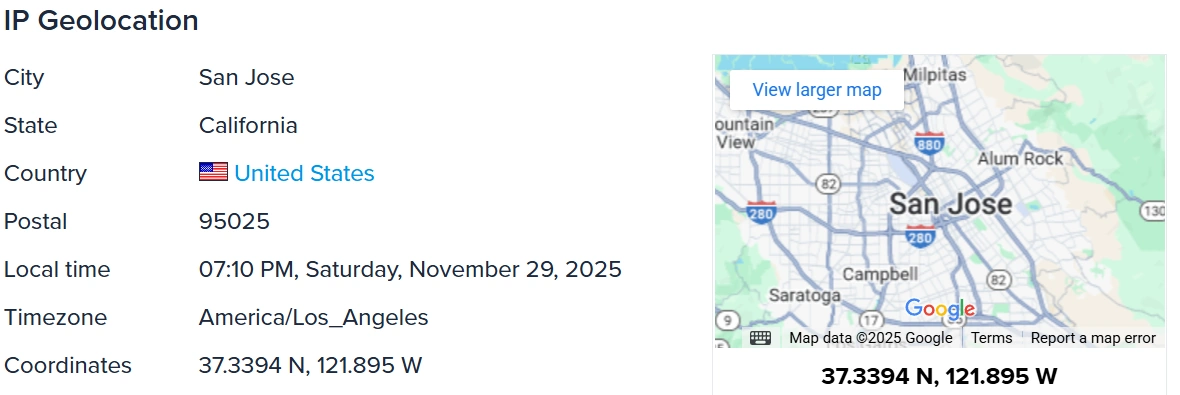
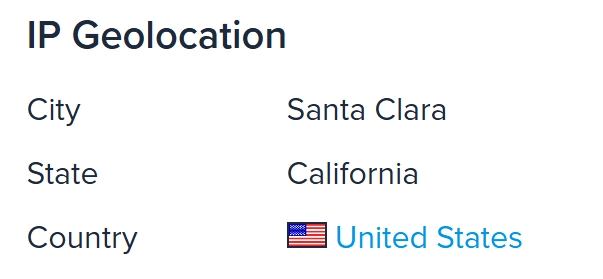
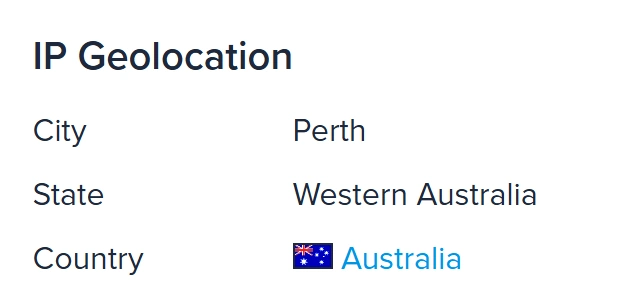
IPv4 Leak Test – Australia Server Result
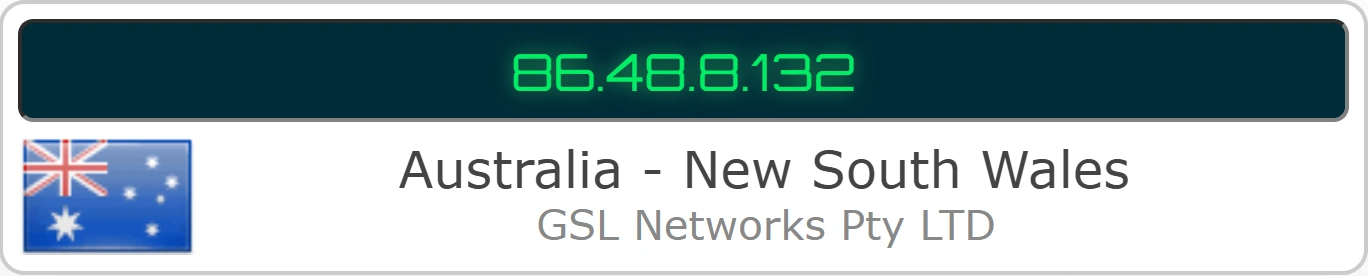
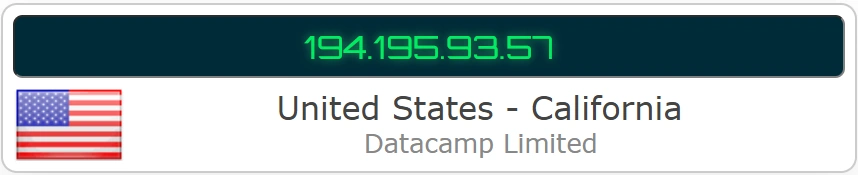
IPv4 leak test result for Australia. The VPN successfully masked my real IP address.
No-Logs & Policy Results
This table shows the EGST results for NordVPN’s no-logs policy. I checked each part of the no-logs claim against independent audits and publicly available documentation to confirm what is verified and what is not.
No-Logs & Policy - EGST™ Results
Criteria
Type
Status
Verification Details
Independent No-Logs Audit
Claim
Stated
"Strict no-logs policy."
Verification
✔ Confirmed
I reviewed the full, confidential 2024 Deloitte report via my customer dashboard. The auditors confirmed that NordVPN's server configurations align with their no-logs description and that no user activity logs are stored.
Report Transparency
Access
Restricted
Audit reports are available to subscribers after logging in.
Check
Partial
Previous audit reports are publicly available, but the most recent Deloitte no-logs audit is only accessible to subscribers. Transparency is only partially open.
Most Recent Audit
Standard
< 18 Mo
Must be recent to stay relevant.
Last Report
✔ Verified
Most recent no-logs audit was conducted between 18 November and 20 December 2024 and concluded as of 20 December 2024, which is well within the target window.
Audit Frequency
Schedule
Regular
Commitment to ongoing independent audits.
History
✔ Verified
Regular no-logs audits since 2018 (2018, 2020, 2022, 2023, 2024).
Legal Jurisdiction
Base
Panama
Based in a privacy-friendly country.
Legal Check
✔ Verified
Panama has no mandatory data retention laws that would require VPN logging.
RAM-Only Servers
Tech
RAM-Only
Servers run on RAM and wipe data on every reboot.
Validation
✔ Verified
Independent audit confirmed NordVPN’s RAM-only server design, meaning all data is wiped on every reboot.
Transparency Notice
Status
Active
Regular notice from NordVPN stating it has not received secret data requests from government authorities.
Check
✔ Verified
NordVPN’s Transparency Notice is up to date and confirms it has not received any secret data-access requests from government authorities.
Verification: Confirming the No-Logs Audit Trail
Verified Chain of Custody: To confirm these claims aren't just marketing, I logged into my customer portal to check the receipts. As shown, NordVPN provides full, downloadable proof of an unbroken audit chain from 2018 through to the 2024 Deloitte report.
Stream Shows & Movies Anywhere
Streaming: 4.6 out of 5
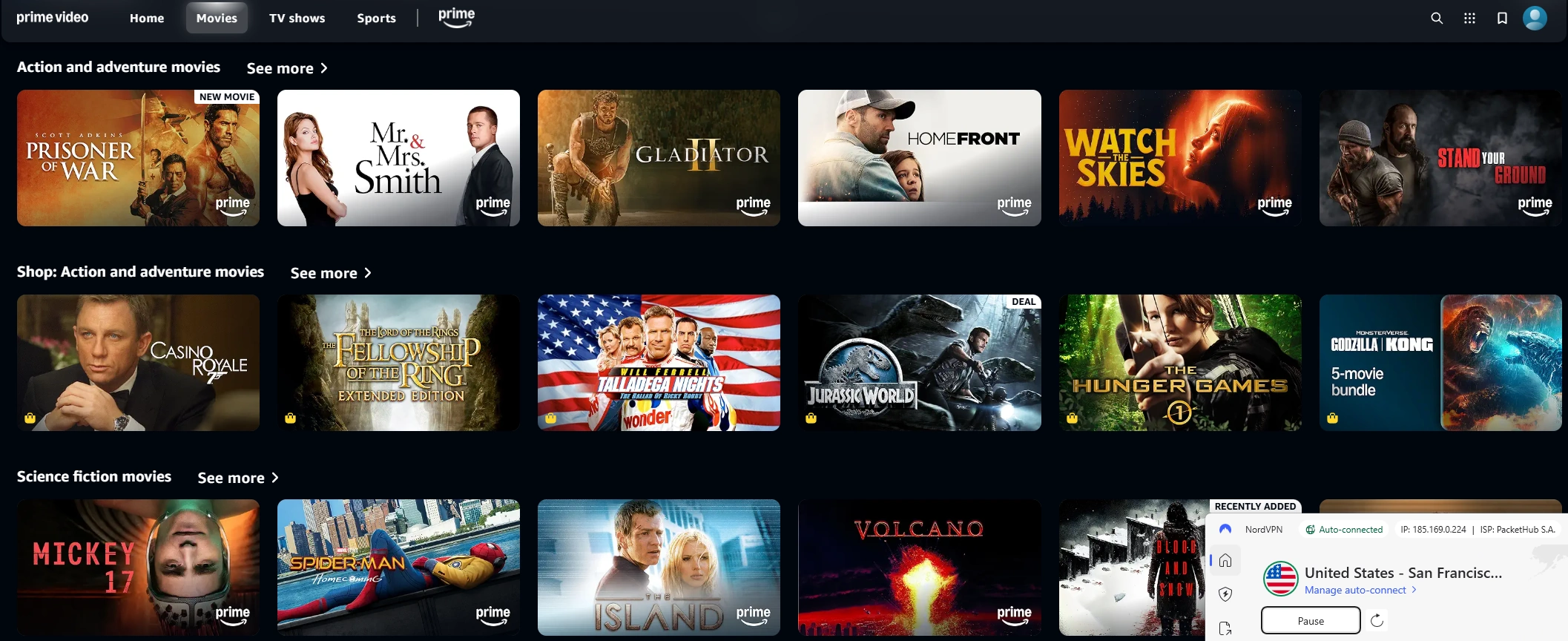
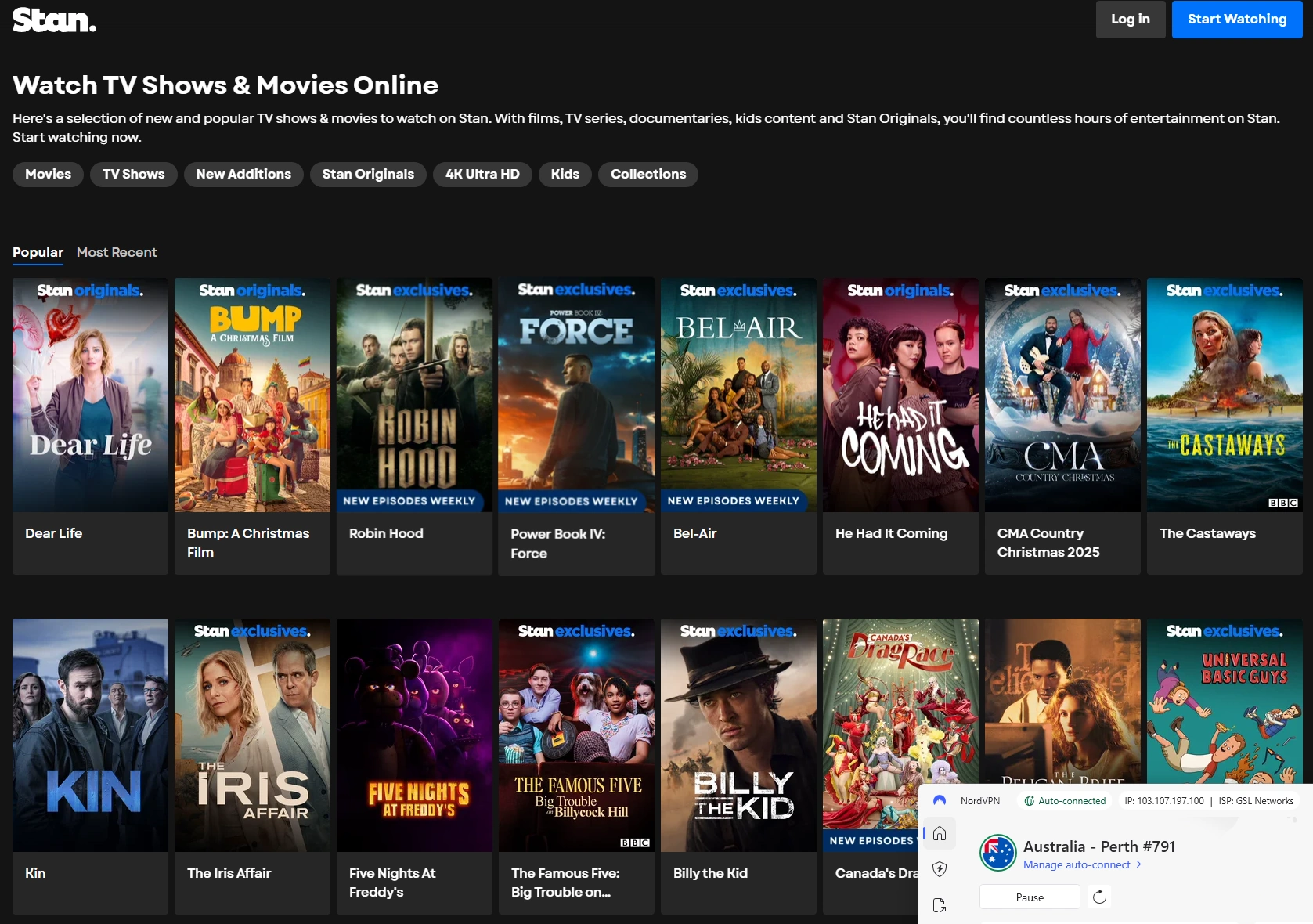
NordVPN is a strong pick for watching shows and movies from other countries and even while travelling. In my real-world testing environment, it worked reliably with:
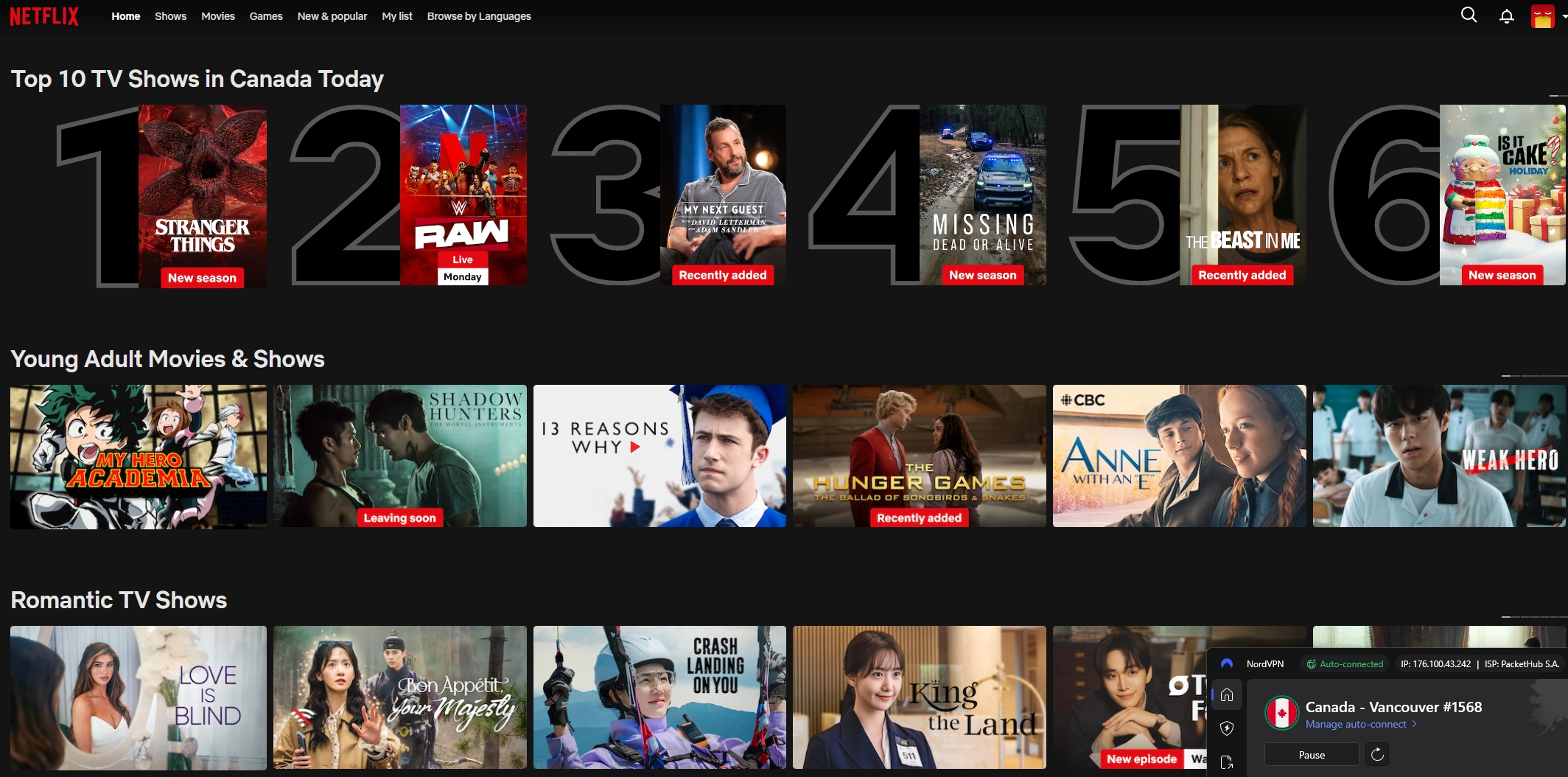
Netflix (U.S., UK, Canada, Australia, and Japan libraries)
Prime Video
Disney+
BBC iPlayer
Stan (Australia)
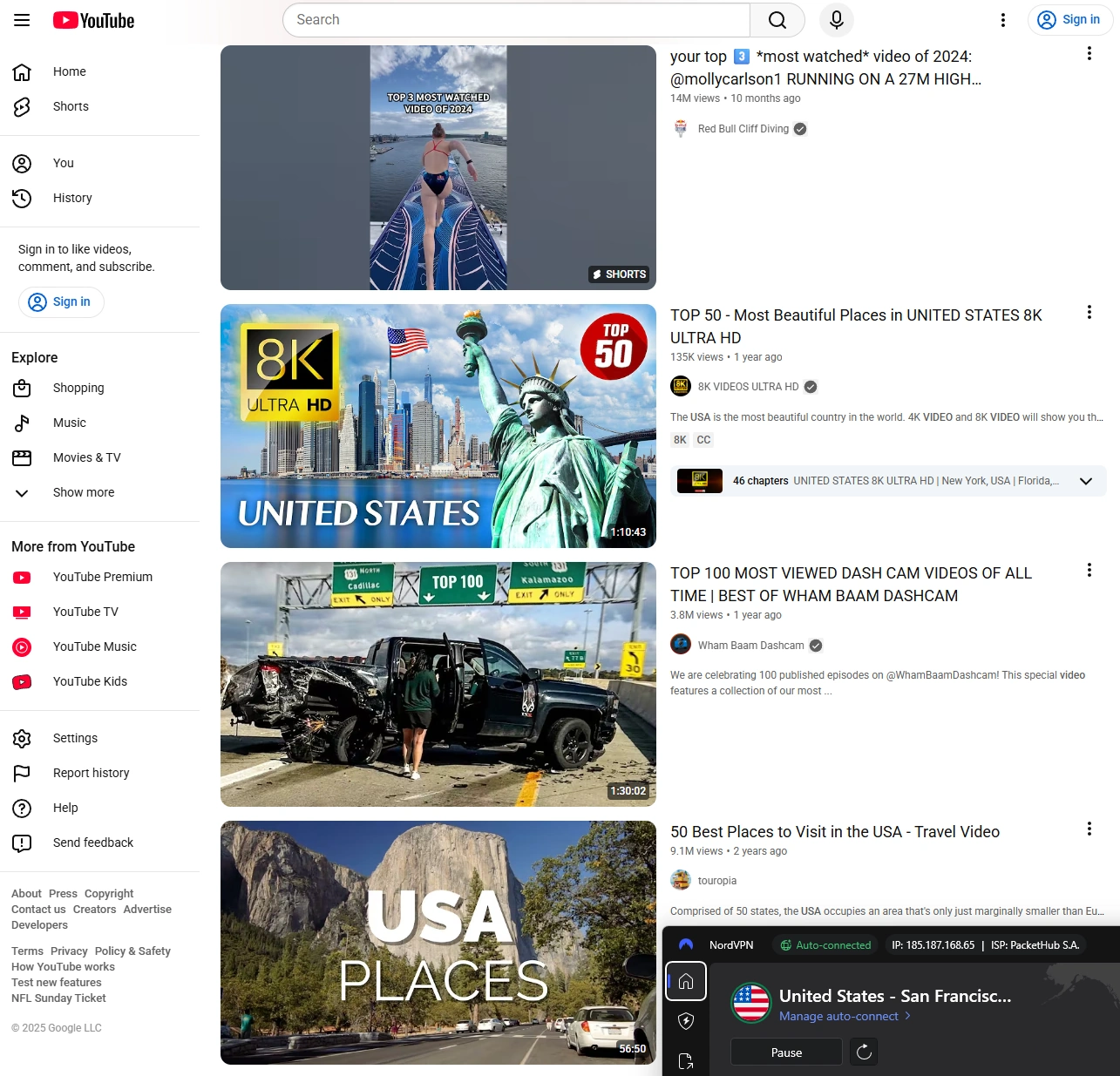
YouTube
Speeds stayed consistently strong, so HD playback felt smooth and uninterrupted. Whether you’re watching international titles or your usual apps like BBC Iview, NordVPN keeps everything fast, secure, and easy to access.
Streaming Verification & Playback Results
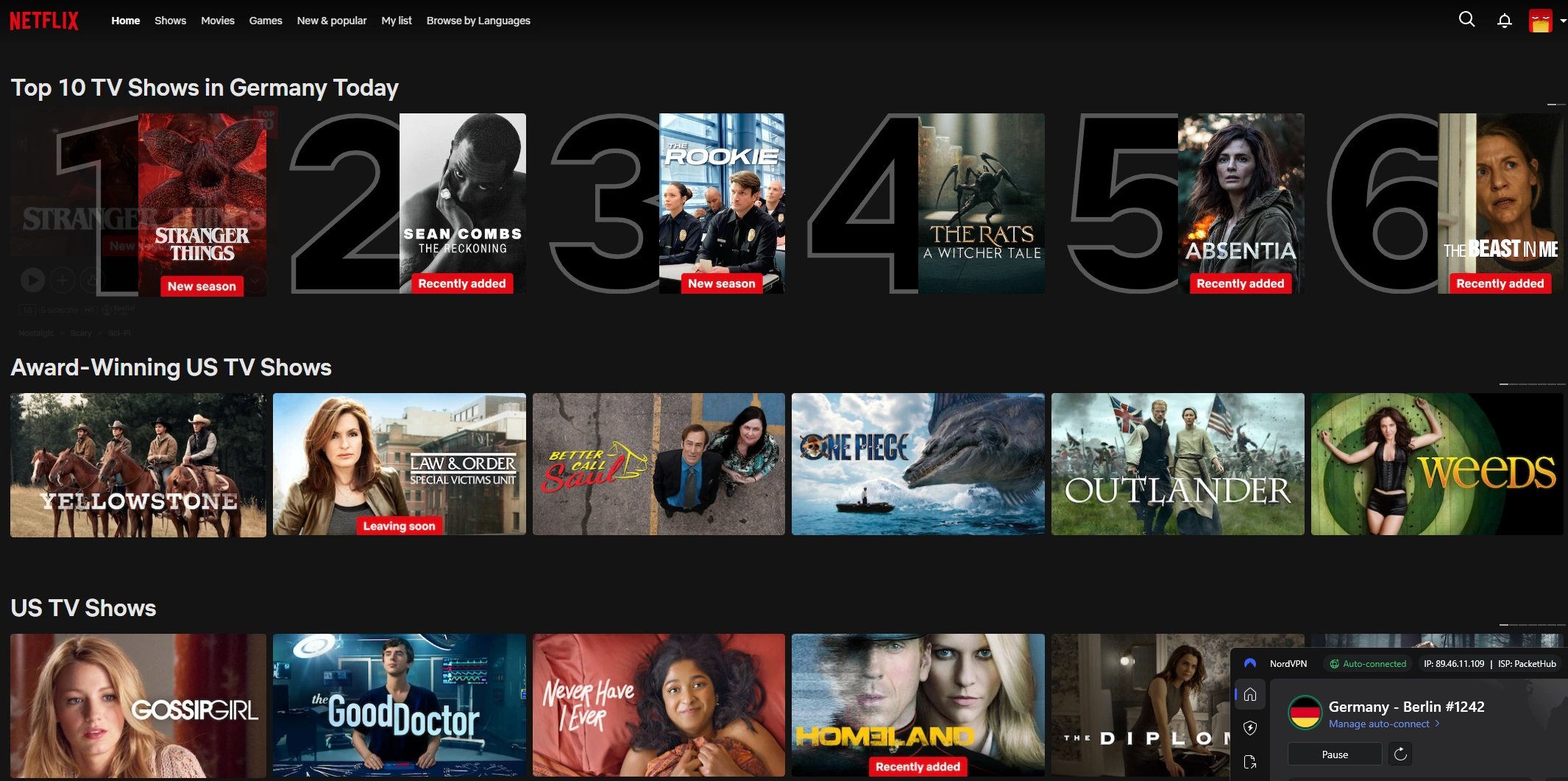
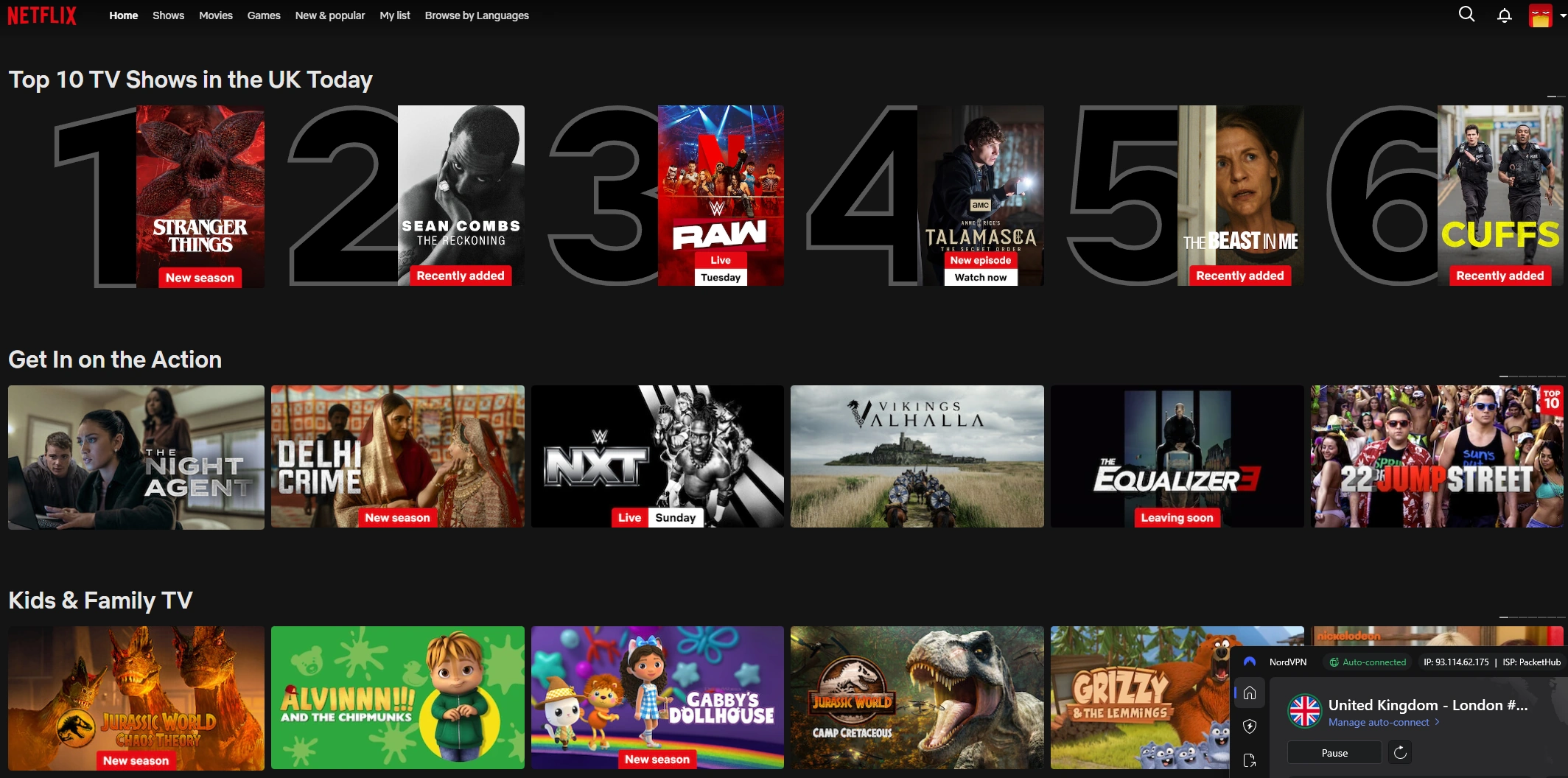
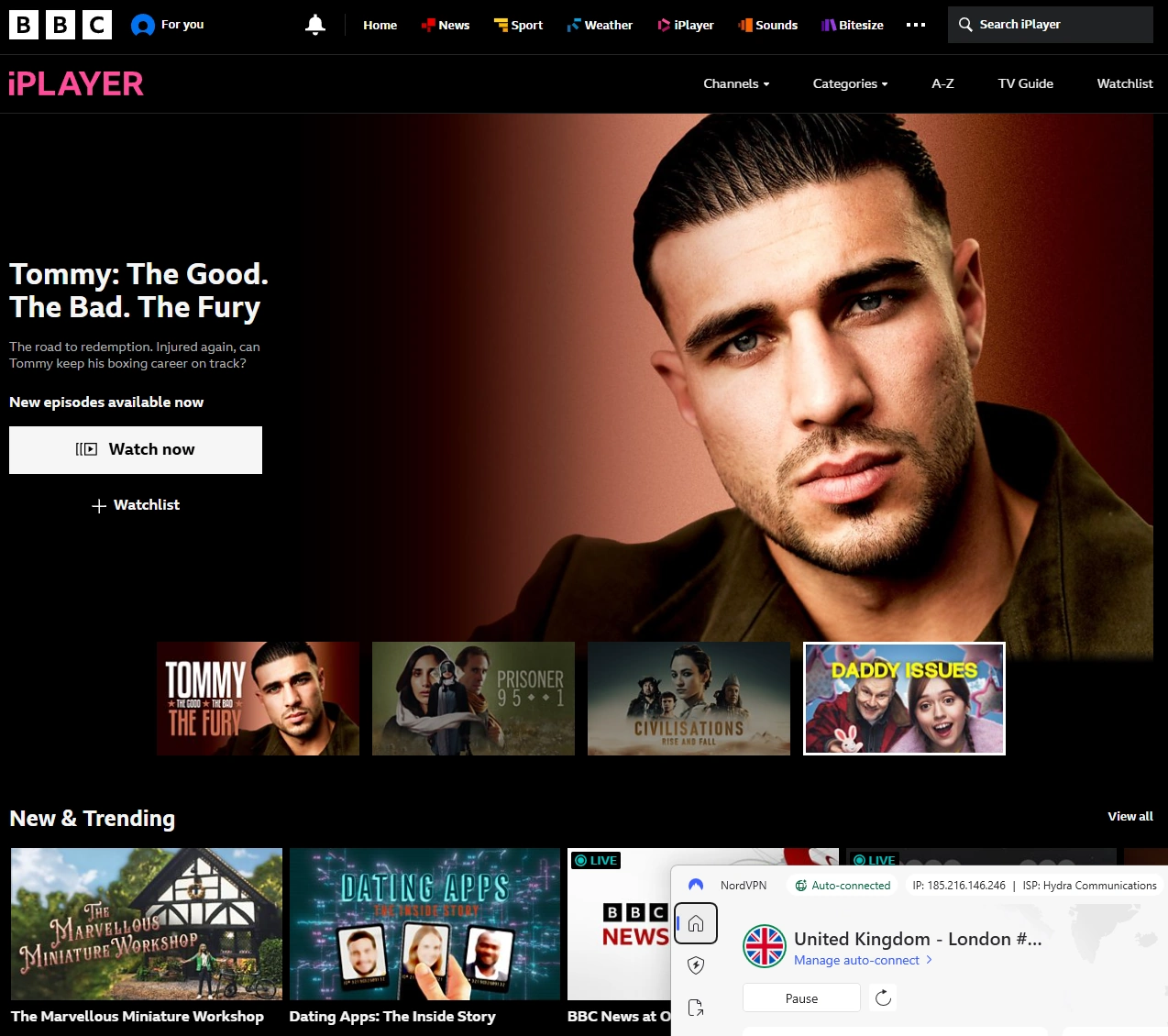
NordVPN easily accessed major streaming services including Netflix (U.S., UK, Canada, Australia and Japan), Prime, Disney+, and BBC iPlayer.
Streams loaded instantly with smooth playback and no interruptions during testing.
Dedicated streaming servers performed consistently across sessions.
Streaming Verification & Playback – EGST™ Results
Streaming Service
Result
My Test Observations
Netflix (USA)
✔ Plays
Verified: Accessed the US library from Australia. Smooth HD playback with instant start.
Netflix (UK)
✔ Plays
Verified: UK library loaded quickly; playback started immediately with no VPN errors.
Netflix (Canada)
✔ Plays
Verified: Canadian library opened normally with smooth HD playback.
Netflix (Japan)
✔ Plays
Verified: Japan library accessed successfully. Anime titles played in HD without issue.
Netflix (Australia)
✔ Plays
Verified: Local AU library played normally on an Australian VPN server.
Netflix (Germany)
✔ Plays
Verified: German Netflix content streamed correctly while connected to a Berlin server. Playback remained smooth during testing.
Netflix (Switzerland)
✔ Plays
Verified: Swiss Netflix library accessed successfully on a Zurich server. HD playback performed normally with no VPN errors.
Prime Video (Global)
✔ Plays
Verified: Detected correct region. HD playback was stable during testing.
Disney+ (USA)
✔ Plays
Verified: Service recognized the US region without errors. HD playback performed well during testing.
BBC iPlayer (UK)
✔ Plays
Verified: The UK iPlayer site loaded correctly while connected to a UK server, and video played normally during testing.
Stan (Australia)
✔ Plays
Verified: Local AU playback worked normally while connected to an Australian VPN server.
YouTube 4K
✔ Plays
Stress Test: 4K (2160p) video streamed smoothly. No lag or visible bitrate drops.
Methodology Note: “✔ Plays” means real playback was tested. “✔ Accessible” means the service loaded the correct regional interface, but playback was not tested.
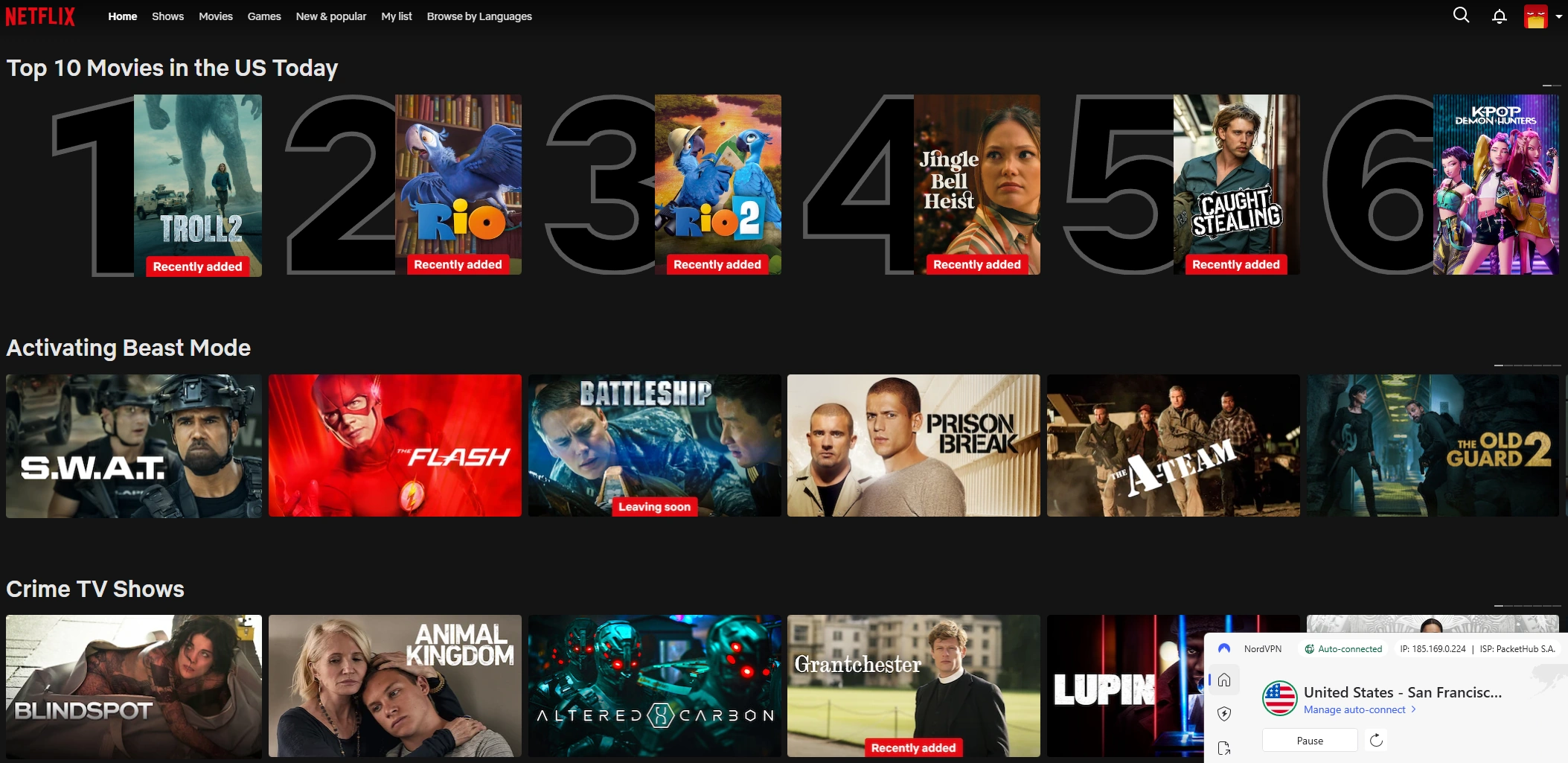
Netflix Test – USA Server Result
After connecting NordVPN to a US server, Netflix showed the US Top 10 row and everything I tested streamed smoothly.
Ease of Use
Ease of Use: 5 out of 5
Highlights:
Quick installation and setup
One-tap connection
Smooth server switching
Clear layouts across devices
Works on major platforms
Up to 10 simultaneous connections
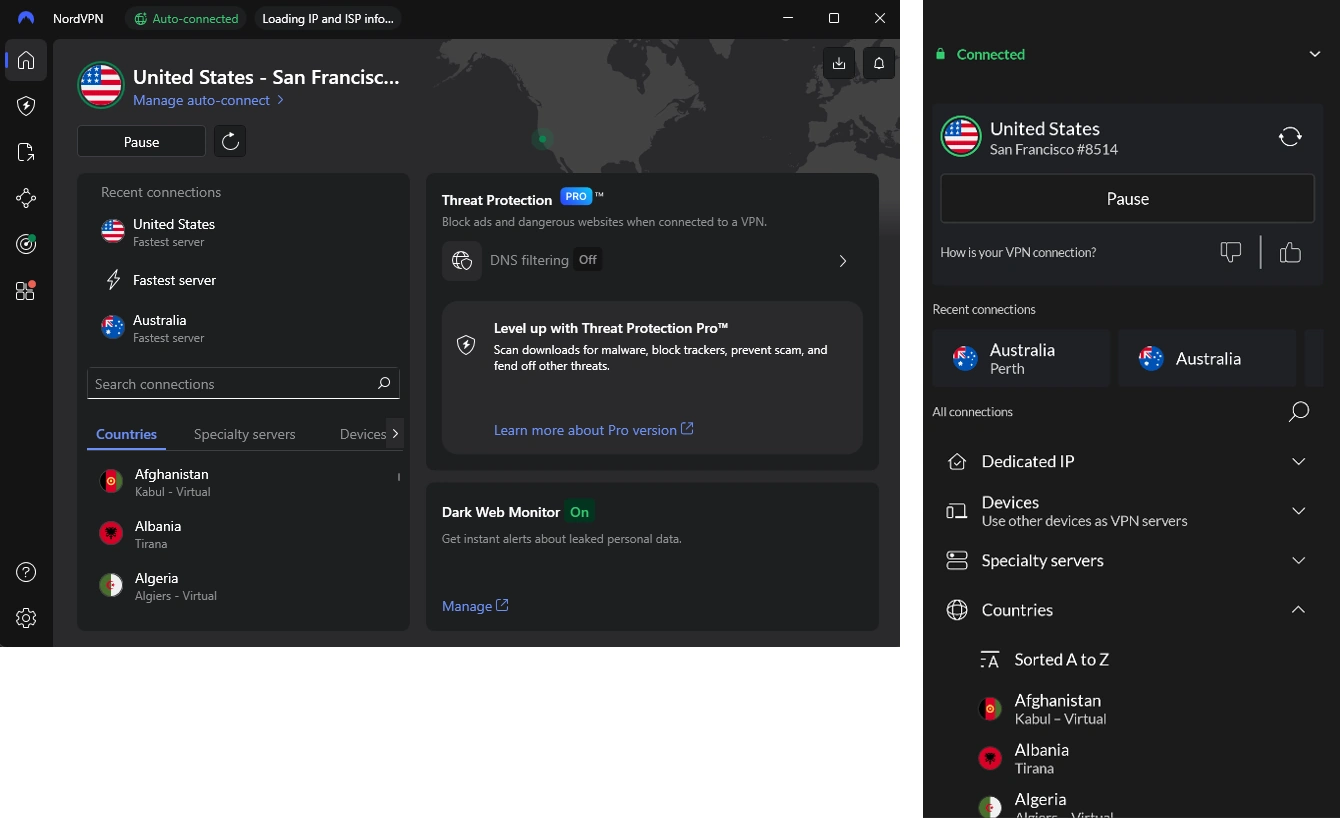
NordVPN is straightforward to use. Installation on Windows was quick, and connecting to a server took just one click. The layout is clean and organised, so it’s easy to find what you need without digging through extra menus. I also tested the Android app, and while the interface looks slightly different from the PC version, the controls and layout feel familiar, so moving between devices doesn’t take any effort.
NordVPN also supports Android, iOS, macOS, smart TVs, and routers. In my everyday-style testing environment, using NordVPN on a PC or Android phone felt practical and hassle-free. It supports up to 10 devices at the same time, so one subscription can cover a personal setup or a household.
Ease of Use Results
Testing was completed in an environment designed to reflect everyday home usage across both PC and mobile.
Connection setup was fast — NordVPN connected in about 2 seconds using NordLynx.
The desktop and mobile apps are intuitive, clearly showing connection location and status.
Switching servers or protocols was seamless.
Ease of Use - EGST™ Results
Test Area
Result
My Test Observations
Installation Time
✔ Passed
Installed on Windows 11 and Android in under 3 minutes from download to connection.
Account Setup
✔ Passed
Sign-in and onboarding steps were clear and guided me directly to the main connection screen.
First Connection
✔ Passed
“One-click” connection worked immediately without needing to manually select a server.
User Interface Clarity
✔ Passed
Controls and features were easy to find. Map view and server list were clearly labelled on both PC and Android.
Switching Servers
✔ Passed
Tested multiple global locations. Switching was smooth and reconnects happened without errors or delays.
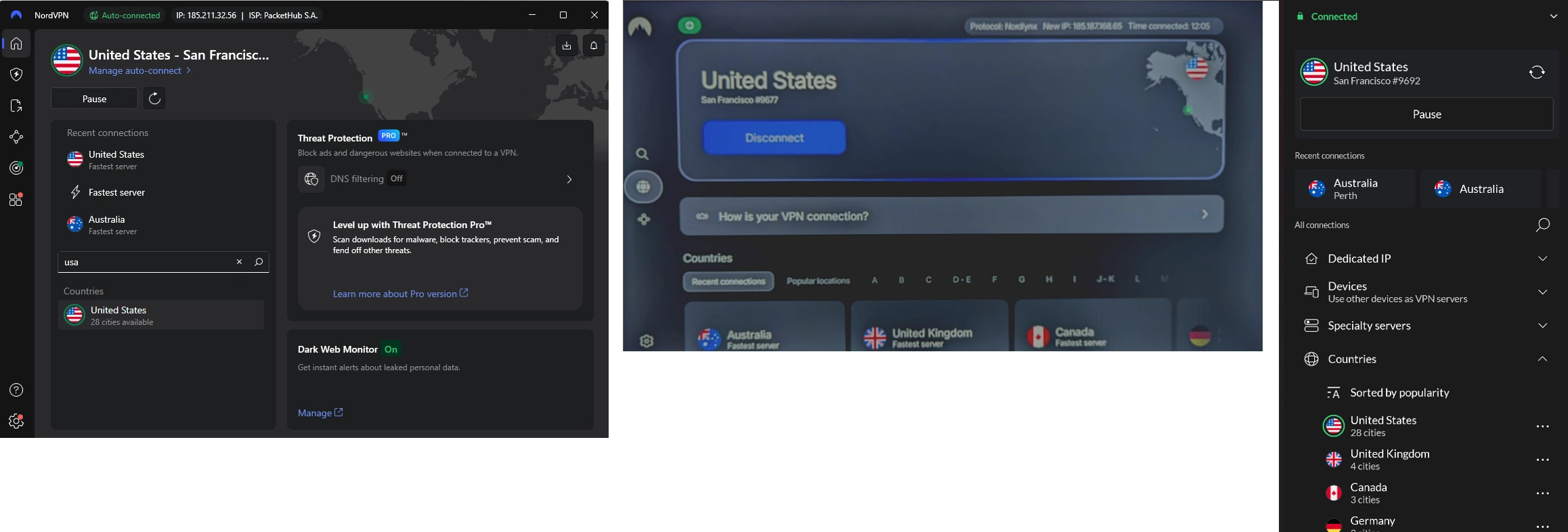
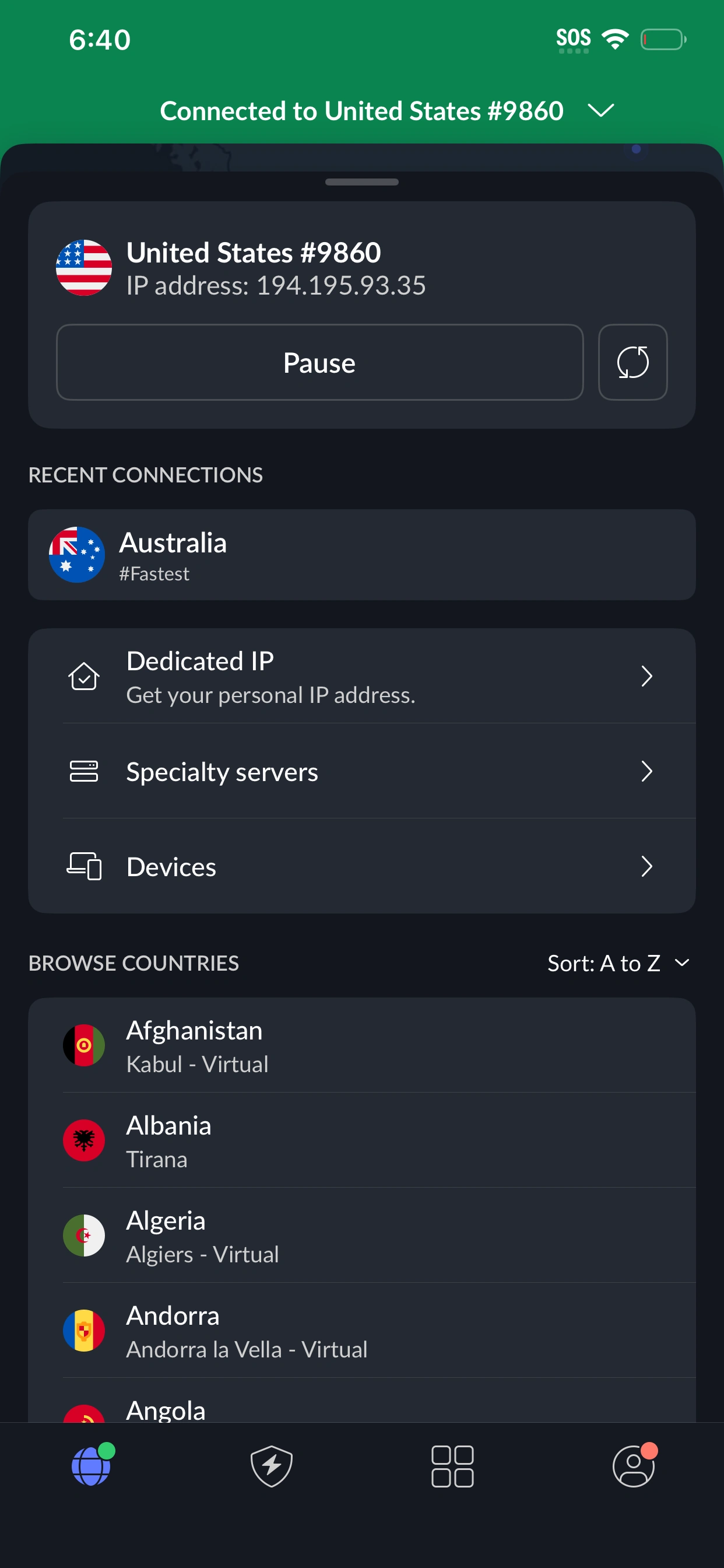
NordVPN User Interfaces
NordVPN – Windows App
NordVPN – Android App
NordVPN connected during Ease of Use testing on Windows and Android.
Device Support
Device Support: 5 out of 5
NordVPN works on the devices most people rely on every day; your Windows or Mac computer, your iPhone or Android phone and even smart TVs with Google TV. If you want everything in your home protected at once, you can also install it on a router.
You can stay protected on up to 10 devices at the same time, which means your laptop, phone, tablet, and TV can all stay connected without needing extra accounts.
I tested NordVPN across all of these device types to see how smoothly everything worked in real life - browsing, switching locations, streaming, and general day-to-day use. The results are below.
Device Support results
Here are the results from testing NordVPN on the devices listed below. All tests were completed in an environment designed to reflect everyday home usage, checking how well each device handled browsing, streaming, switching locations, and general usability.
Device Support - EGST™ Results
Device or Platform
Result
My Test Observations
Windows desktop or laptop
✔ Tested - Working
Verified: Installed the NordVPN app, signed in, connected to multiple locations, and used it for everyday browsing and streaming without issues.
Android phone or tablet
✔ Tested - Working
Verified: NordVPN app used on Android hardware for daily use, including location changes and streaming. No issues during testing.
Mac desktop or laptop
✔ Tested - Working
Verified: Installed the NordVPN macOS client and connected to multiple regions. Streaming worked smoothly and browsing remained stable.
iPhone or iPad (iOS)
✔ Tested - Working
Verified: Used NordVPN via the iOS app. Switching server regions worked normally and everyday browsing performed as expected.
Smart TV / Streaming Device (Chromecast with Google TV)
✔ Tested - Working
Verified: Installed NordVPN natively on Chromecast with Google TV. Streaming apps loaded correctly and playback behaved normally while connected.
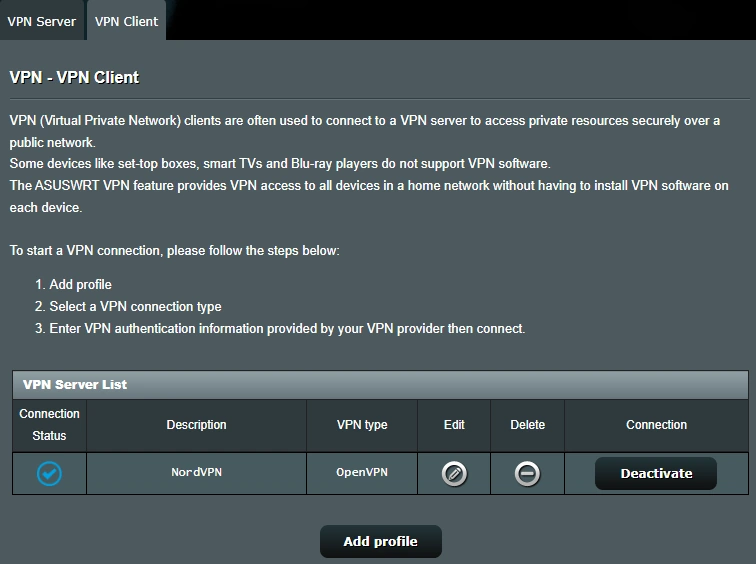
Router installation
✔ Tested - Working
Verified: Router-level VPN setup worked as expected. All connected devices routed through the VPN tunnel. Configuration required more setup time than app installs.
NordVPN Supported Devices
NordVPN – Windows App
NordVPN – Smart TV
NordVPN – Android App
NordVPN connected during Devices testing on Windows, Smart TV and Android.
Features & Tools
Features and Tools: 4.6 out of 5
NordVPN comes loaded with helpful extras that go beyond basic privacy. One standout is Threat Protection, which automatically blocks annoying ads, trackers, and risky websites in the background.
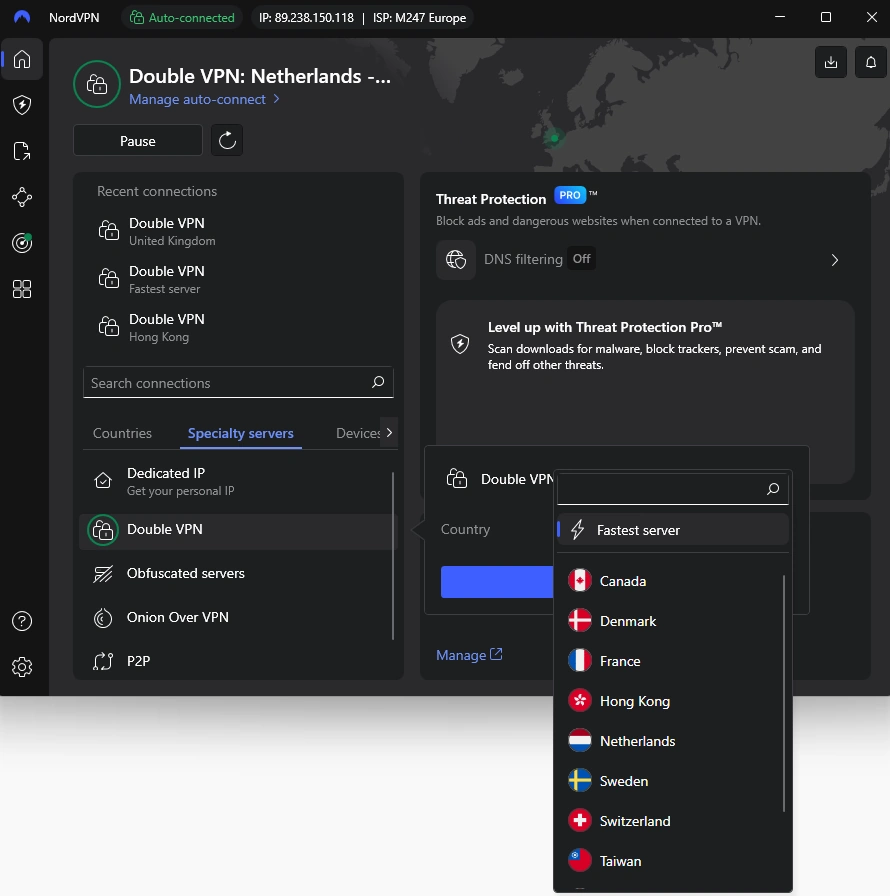
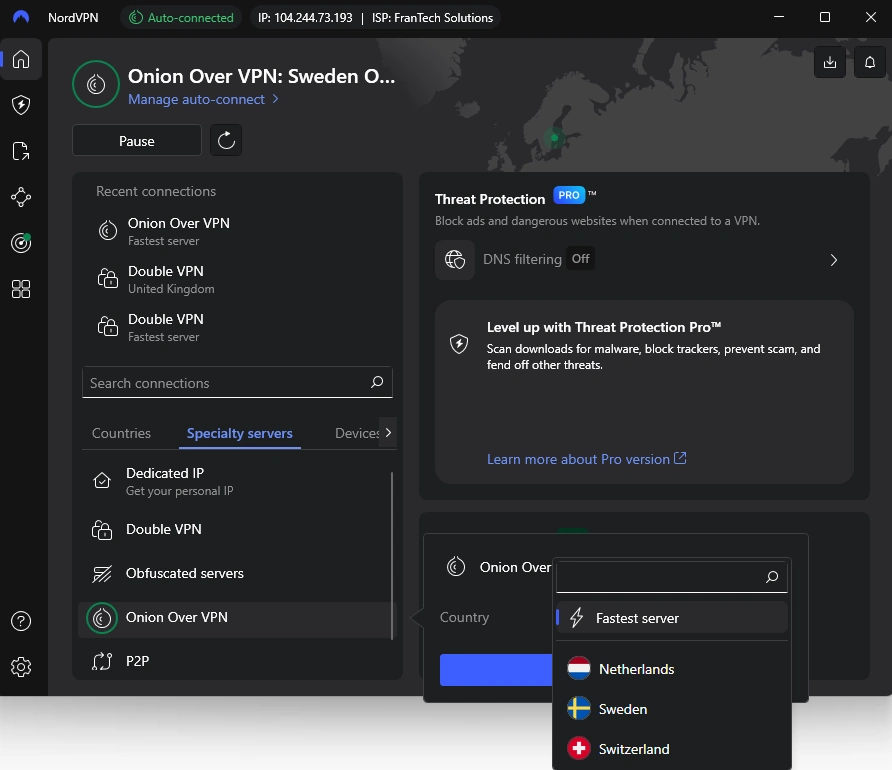
If you want even more privacy, Double VPN routes your traffic through two secure servers instead of one, and Onion over VPN adds extra layers of anonymity.
You can also turn on Split Tunneling, which lets you choose which apps use the VPN and which don’t - for example, you could listen to music on your regular internet, while keeping your private browsing protected with the VPN.
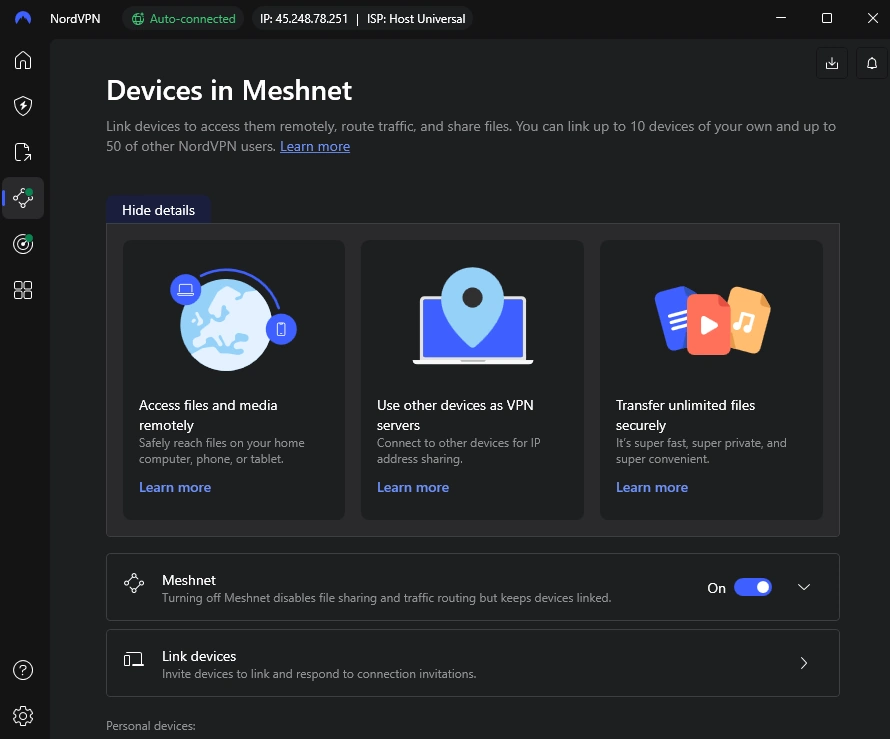
Meshnet is a newer feature that lets your own devices connect to each other through NordVPN - useful for sharing files or accessing your home computer while you're away.
Other options include getting a dedicated IP address (helpful if you need the same private connection every time for work or special websites) and support for safely sharing files between your devices or with trusted people.
NordVPN also includes a few advanced privacy tools that are designed for countries where VPNs are blocked, such as obfuscated servers or protocol masking. These aren’t relevant in regions where VPN traffic flows normally without restrictions, so they can’t be meaningfully tested here - but I’ve included brief explanations so you know when they matter.
Features & Tools Results
NordVPN includes a range of extra tools that go beyond the basic VPN connection. Some of these are designed to improve day-to-day security, while others offer more advanced options if you need them. I tested the features that apply to normal use and are safe to evaluate in a real-world environment. Features that require separate subscriptions or specialised testing setups are marked as not tested.
Features & Tools – EGST™ Results
Feature
Result
My Test Observations
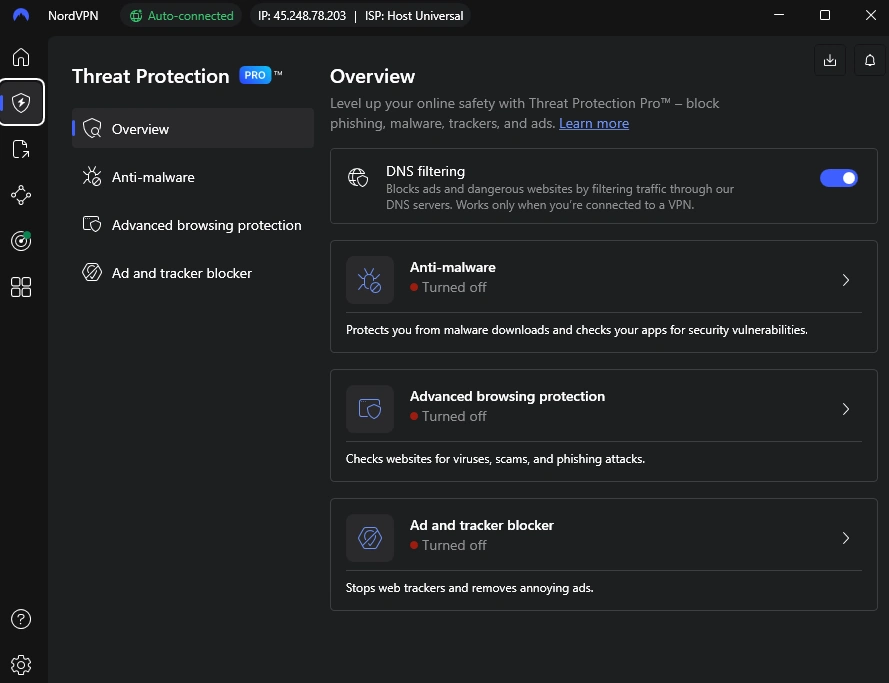
Threat Protection – DNS Filtering
✔ Tested – Working
During testing, ad and tracker domains were consistently blocked. Some phishing test pages remained accessible, indicating that dangerous-site blocking depends on NordVPN’s internal DNS blacklist rather than blocking all phishing domains universally. No slowdown or loading issues.
Split Tunneling
✔ Tested – Working
Routed selected apps outside the VPN while keeping others protected. Worked consistently across sessions.
Double VPN
✔ Tested – Working
Connected normally and maintained stable browsing. Slight speed reduction as expected for dual routing.
Onion Over VPN
✔ Tested – Working
Connected to Onion-enabled servers and reached .onion sites successfully without errors.
Meshnet
✔ Tested – Working
Linked devices reliably and allowed direct access to files and shared endpoints.
Dedicated IP (Optional Tool)
Not Tested
Grant a personal, static IP address. Available add-on that requires its own subscription. Not included in testing for this review.
Ad & Tracker Blocker (Optional Tool)
Not Tested
Removes ads on major websites and reduced tracking requests across sessions. Requires its own subscription. Not included in testing for this review.
Anti-Malware (Optional Tool)
Not Tested
This optional security feature is designed for malware detection. Proper evaluation requires controlled threat samples and a sandbox environment, which falls outside standard VPN testing.
Advanced Browsing Protection (Optional Tool)
Not Tested
Optional tool intended to block phishing and malicious pages. These checks require specialised datasets and security rig setups, so they are not part of this VPN-focused review.
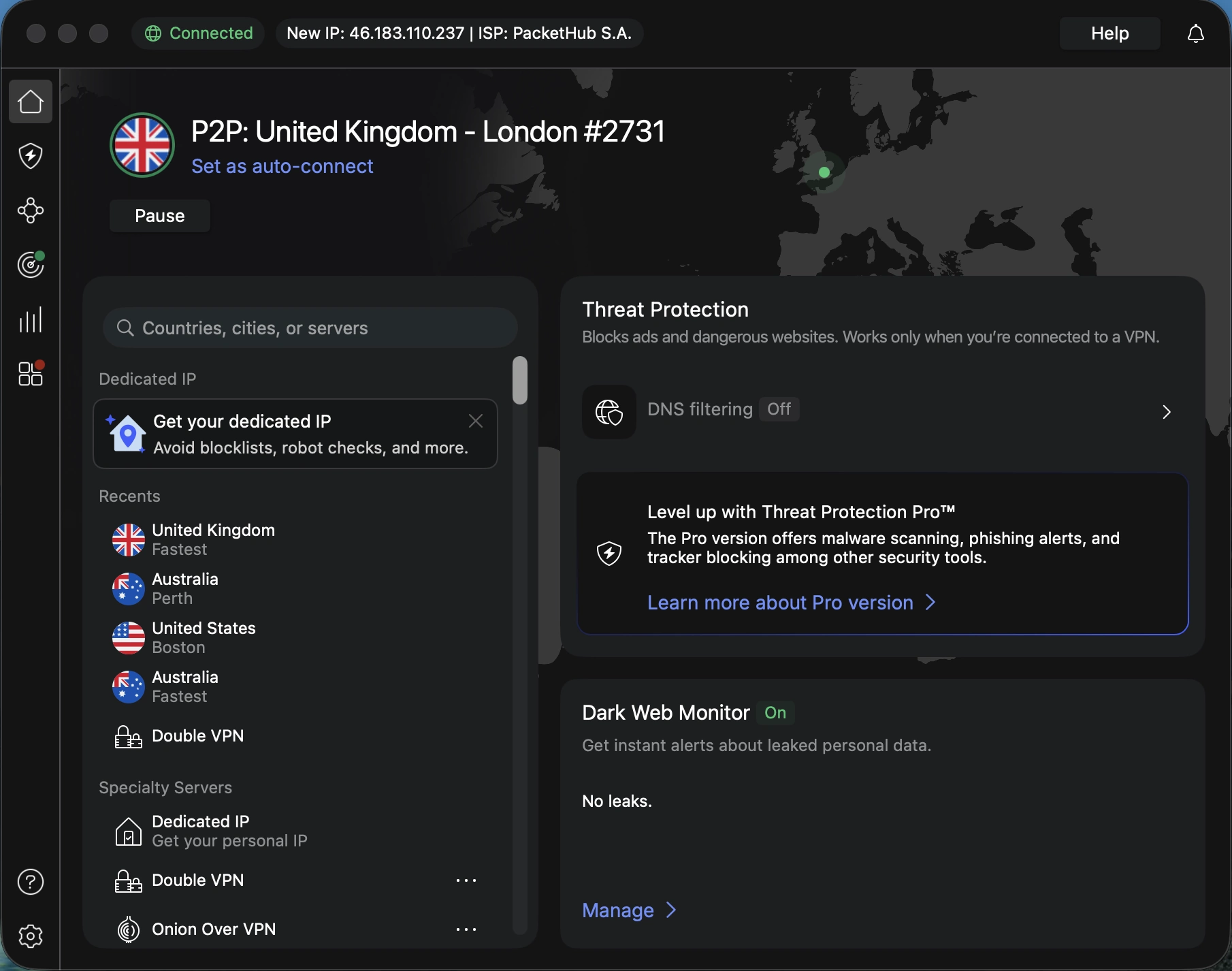
NordVPN Features & Tools Interface
Features & Tools interface reviewed during EGST testing. DNS filtering was tested, while other optional tools require a separate subscription.
Specialty Servers
NordVPN includes several types of specialty servers designed for different situations. Some of these were part of my hands-on testing, while others are mainly useful in countries where internet access is restricted or involve areas that fall outside everyday VPN use.
Here’s how these server types fit into testing:
Tested for this review
Double VPN – Routes your connection through two encrypted servers instead of the usual one. I confirmed that it connected normally and browsing stayed stable.
Onion Over VPN – Adds an extra layer of privacy by connecting through the Tor network. I tested it with region-based browsing, and it worked as expected.
Not Tested (And Why)
P2P Servers – Not tested. P2P testing introduces real-world legal risk and affiliate-compliance concerns, even when using open-source torrent files. For the safety of our testing environment and to maintain strict compliance with affiliate guidelines, P2P performance is not benchmarked.
Obfuscated Servers - Designed to hide VPN traffic so it looks like normal HTTPS. These servers are mainly used in places where VPNs are blocked or restricted. In regions where VPN traffic flows normally, they can’t be meaningfully tested.
Anti-censorship / DPI-bypass tools - Some VPNs include tools designed for countries with aggressive internet filtering. These only activate under restrictive network conditions and cannot be evaluated in regions where VPNs operate freely.
Pricing and Plans
Pricing and Plans: 4.5 out of 5
BLACK FRIDAY SALE
1-Year Plan
+3 Months Free
Billed $68.85 for 12 months (1-Year + 3 Free Months); renews at $139.08 per year ($11.59/mo).
2-Year Plan
+3 Months Free
Best Deal
Billed $80.73 for 27 months (2 years + 3 free months); renews at $139.08 per year ($11.59/mo).
Monthly Plan
+ Months Free
Billed $12.99 for 1 month – renews monthly; cancel anytime.
⬅️No need to search for coupons. This link unlocks the best offer automatically.
NordVPN is a premium VPN, but the quality is hard to beat - and the deals can make it more affordable than expected.
Guarantee: 30‑day risk‑free money‑back policy
It’s not the cheapest VPN on the market, but you’re paying for great speed, privacy, and extra features - and the value speaks for itself.
Customer Support
Customer Support: 4.8 out of 5
NordVPN’s customer support is quick, reliable, and available around the clock. You can reach them through 24/7 live chat, or browse their help center for guides and FAQs. You'll usually get a reply in under a minute, and the support team is friendly and helpful without being pushy. Whether you’re stuck on setup or have a billing question, help is always just a click away.
📊How I Test VPNs
I use a consistent, structured process to review VPNs. Each VPN is tested using the same criteria so results are comparable and unbiased. The focus is on what actually matters to someone using a VPN, not on marketing claims.
My analysis is focused on four key areas:
Speed & Performance: I conduct multiple speed tests on a typical broadband speed for a modern home (1 Gbps fiber connection). To measure global performance, I test servers across North America, Europe, Asia, and Australia. This ensures my results reflect the real-world performance you can actually expect for streaming, gaming, and everyday browsing.
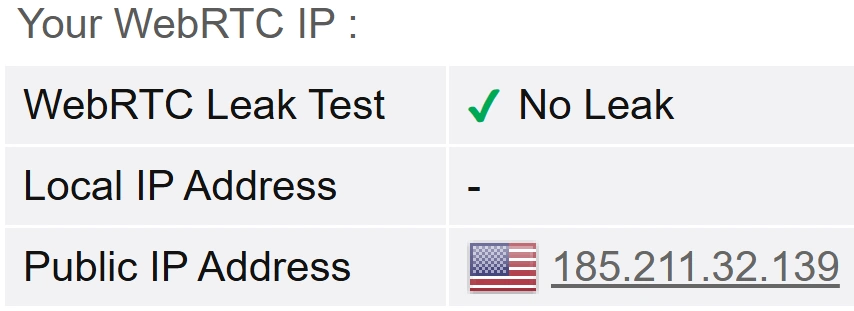
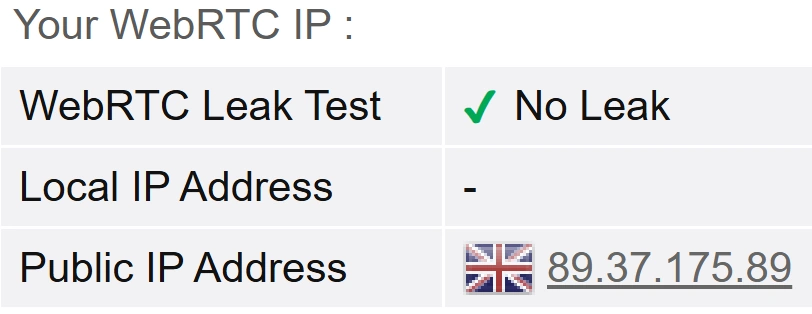
Security & Location Masking: I verify if the VPN can successfully hide your true location by running a series of leak tests (DNS, WebRTC, and IPv6) to ensure your real IP address is never exposed. I also confirm the use of industry-standard encryption protocols like WireGuard.
Privacy & Logging Policy: I meticulously analyze each provider's privacy policy and legal jurisdiction. Crucially, I verify if their "no-logs" claims have been confirmed by a reputable, independent third-party audit. The highest marks are given to providers who publish the full audit report publicly and commit to regular re-testing. A claim without an audit is just a promise; I look for proof.
Real-World Usability: I test the VPN's ability to access popular streaming services, evaluate the ease of use of its apps on multiple devices, and assess the responsiveness and knowledge of its customer support team.
Protecting your fundamental right to privacy and independent thought is why I started Enfinnit. I use my 25+ years of experience securing financial data to translate complex tech into clear, practical reviews and guides for you. Read my full bio and editorial standards.