EGST™ (Enfinnit Global Stress Test): Speed & Performance Results
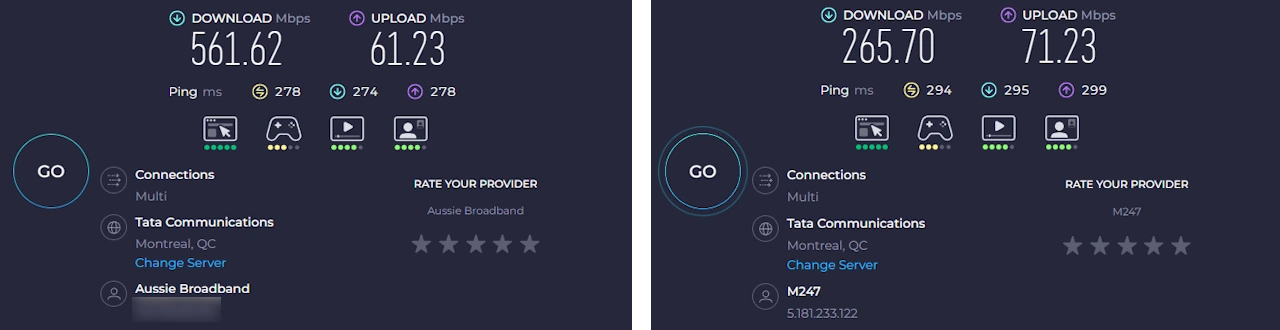
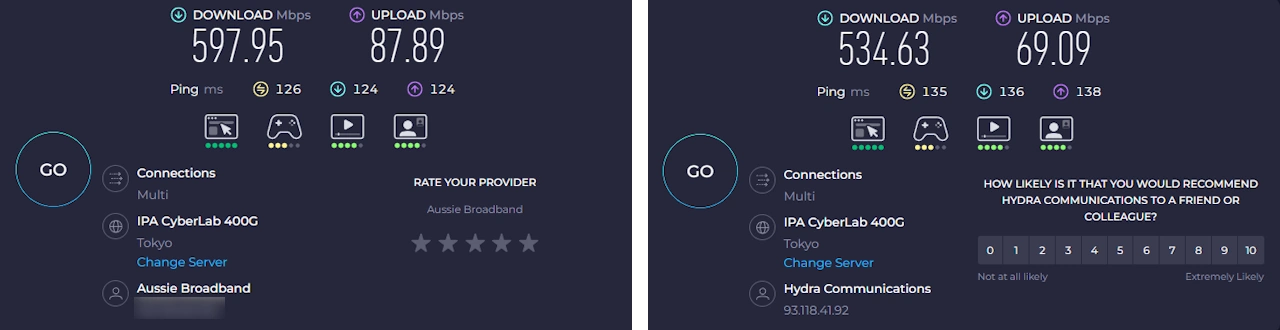
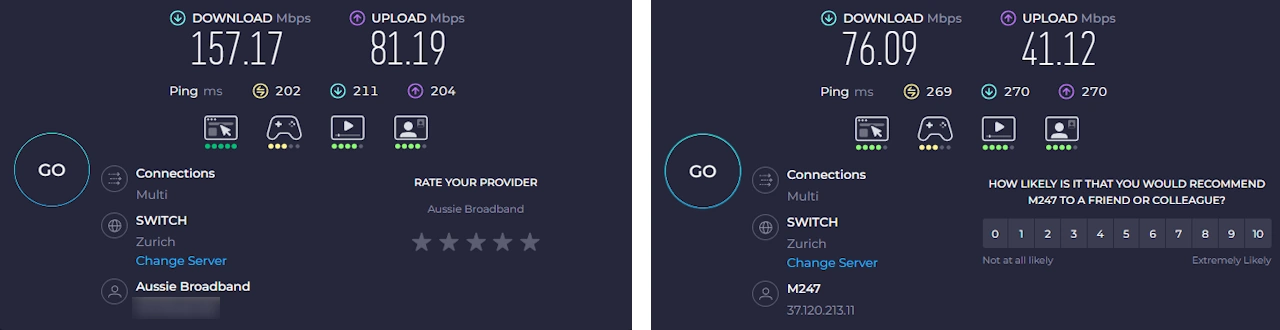
No VPN (Baseline)
FastestVPN (Same Route)
1. The Baseline (VPN OFF):
Measures the true speed of my ISP’s “public road.”
2. The Test (VPN ON):
Seconds later, I repeat the test on the exact same Speedtest server (Aussie Broadband) with FastestVPN enabled.
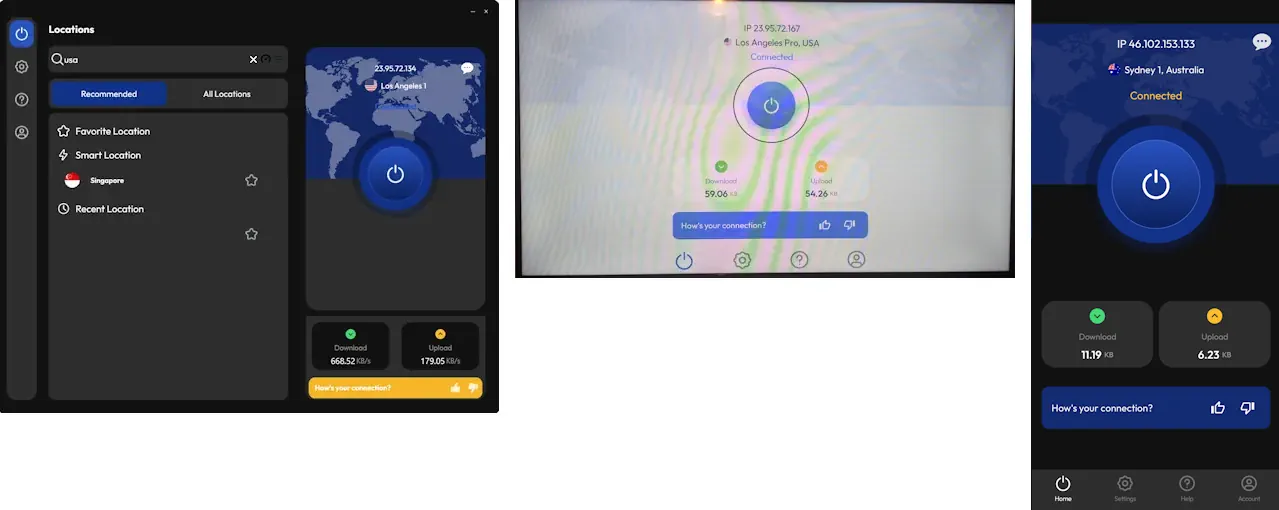
In this case, FastestVPN routed traffic from Perth via its recommended Singapore location, which is the nearest available VPN server in the region. Given the distance involved, the result shows a clear and expected reduction in speed compared to the local baseline.
Even with this reduction, the resulting download speed remains well above what’s required for common activities such as HD and 4K streaming, video calls, and everyday browsing.
This result is representative of how FastestVPN performs when connecting from geographically remote locations with a smaller regional server footprint. Local and nearby connections perform more consistently, while longer-distance routes depend heavily on server availability and proximity.
EGST™ (Enfinnit Global Stress Test) Methodology
EGST Speed Testing is designed to measure how a VPN performs in real-world conditions.
That’s why EGST is built on three principles:
1. Real-World Environment Testing is conducted on a dedicated 1 Gbps residential fibre connection in Perth, Australia - one of the most geographically isolated major cities in the world. This creates a demanding real-world stress environment for international routing.
2. Peak-Time Stress Testing Testing is conducted between 6 PM and 10 PM, during peak residential traffic hours. This provides a realistic measure of performance under congestion.
3. Consistent Benchmarking
- Apples-to-Apples Comparison: For every country tested, a non-VPN baseline is recorded immediately before testing with the VPN enabled, using the exact same Speedtest server.
- Fixed Test Locations: Each country uses a predefined Speedtest server so all VPNs are measured against the same endpoints.
- Repeated Median Testing: Multiple consecutive tests are performed at each location, and the median result is recorded to reduce the impact of temporary congestion spikes or outliers. The screenshot shown represents that median run.
Your exact speeds will vary depending on where you live, but the percentage of baseline provides a clear and fair comparison across VPNs.
This structured process is applied consistently across every review.
You can read the full breakdown on my How I Test VPNs page.
The Verdict
FastestVPN delivers solid, usable performance in typical everyday scenarios.
EGST testing shows that when connected to nearby or regional servers, speeds remain more than sufficient for streaming, video calls, and general browsing, even during busy peak-time conditions. Local and closer routes were consistently stable, which aligns well with how many people actually use a VPN day to day.
On longer-distance routes, performance was more variable. Some international locations showed noticeable drops in speed, reflecting FastestVPN’s smaller server footprint and the impact of distance on routing. These results weren’t surprising and are typical of VPNs with a more limited global spread.
Overall, the data makes FastestVPN’s strengths clear: it works best when you connect close to home. If your priority is reliable everyday protection with nearby servers, FastestVPN performs well. If you frequently rely on long-distance international connections, results will depend more heavily on server availability and location.
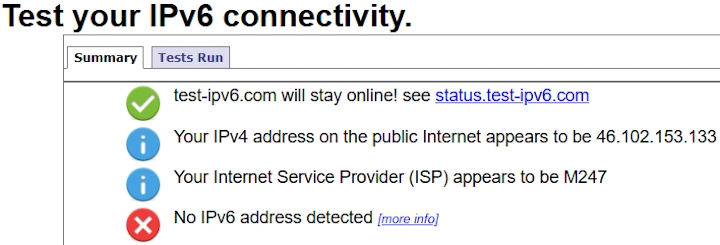
EGST™ Technical Evidence & Logs